You are in control of your account. You can close it, or ask for a copy of the information held about you. Here is how each works and what happens to your data.
Close (delete) your account
If your app shows a Delete my account option in your profile settings, you can start it there. Otherwise, ask your community office to file the deletion for you (see “How do I contact my community office or security?”).
What happens once a deletion is filed:
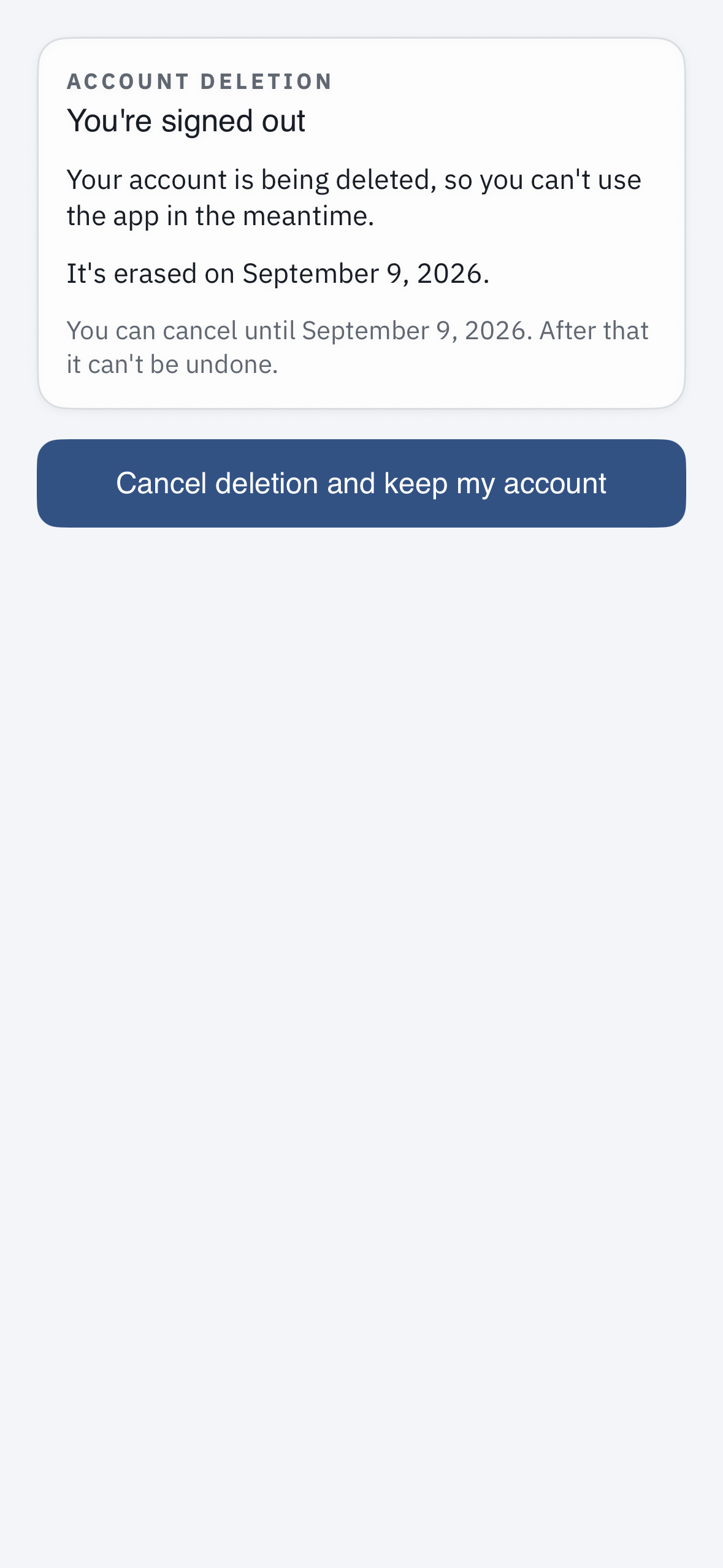
- You are signed out right away and your access stops — your gate access, passes, and sign-in no longer work.
- Your data is permanently erased after a 7-day grace period. The wait exists so an accidental request can be undone.
- Changed your mind? During those 7 days, use the link in the confirmation email to cancel and keep your account. After the 7 days, the erasure is permanent and cannot be undone.
Get a copy of your data
To receive a copy of the information your community holds about you, ask your community office. They can generate an export for you.
What may be kept
For security and legal reasons, your community may retain some gate-access log records — for example, entries recorded at the gate — even after your account is closed. In rare cases, a legal hold can pause an erasure until it is lifted. For who can see what while your account is active, see “Is my data private? Who can see my visits and information?”
Before you close your account
Cancel any guest passes you have sent that you do not want to remain usable — see “How do I cancel or revoke a pass I already sent?”