Your Household screen shows everyone who belongs to your home. How you add someone depends on how your community is set up.
If your community issues Membership IDs
When your community uses membership ID cards, the office manages your household roster — that way every member gets a proper ID card with an office-verified photo. To add a family member or co-resident, ask your property manager and they will add them for you. You will still see everyone listed on your Household screen.
Otherwise, you can add them yourself
- Open the Household screen (in the app, or at app.maximum.community).
- Add a member with their name, relationship (adult, teen, or child), and contact details.
- Save. They now appear on your home.
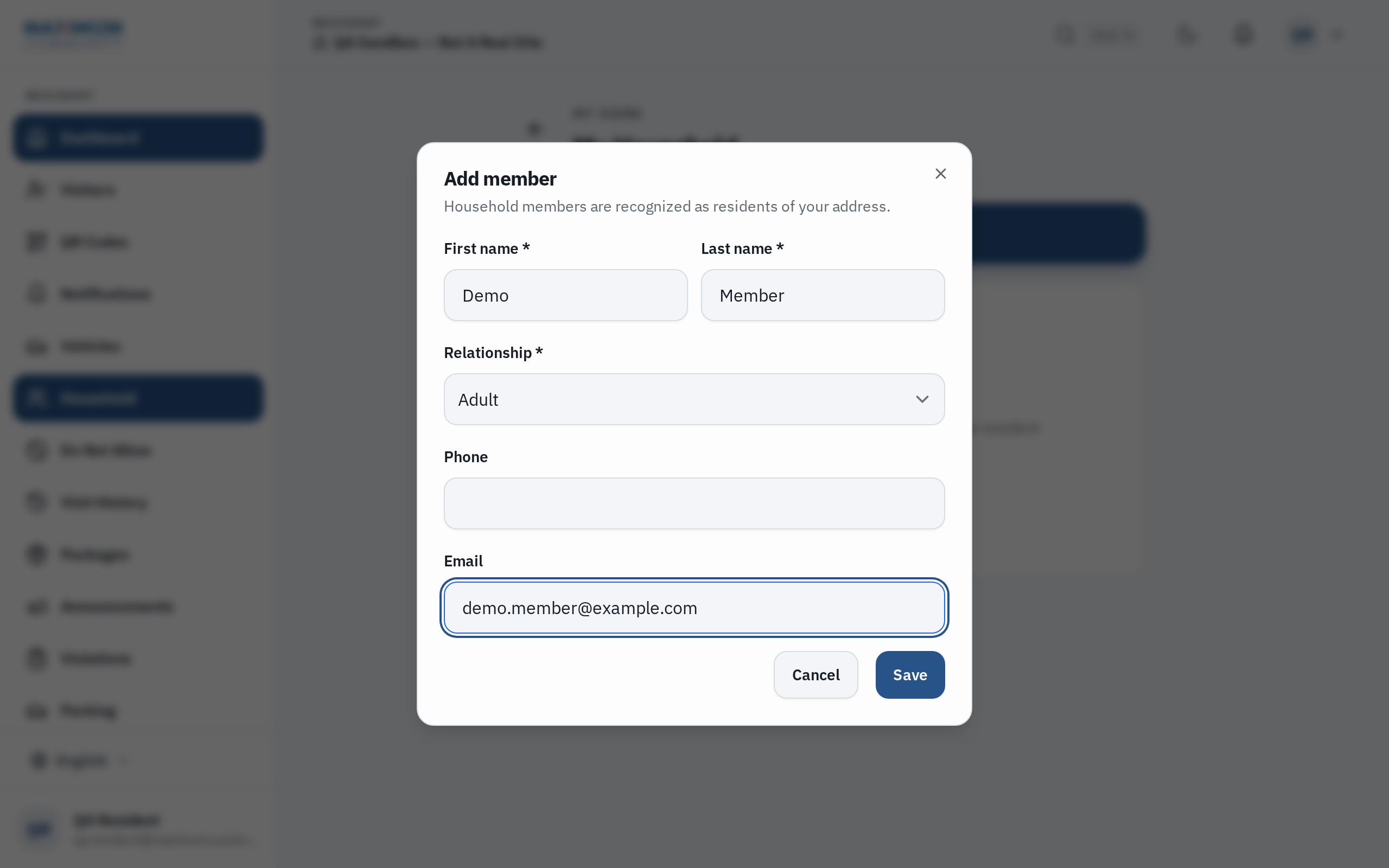
There is a limit on how many members a home can have; if you reach it, your property manager can help.
Giving a co-resident their own app access
Adding someone to your household lists them on your home, but it does not create a login for them. A co-resident who should have their own account and app — to send their own passes and open gates — is set up by the office, who send them their own invitation to sign in.
Related
See “How do I show my digital Membership ID?” if your community issues ID cards.