Changed your plans, or sent a pass to the wrong person? You can stop a pass from working at the gate at any time — it takes effect right away.
Revoke a single pass
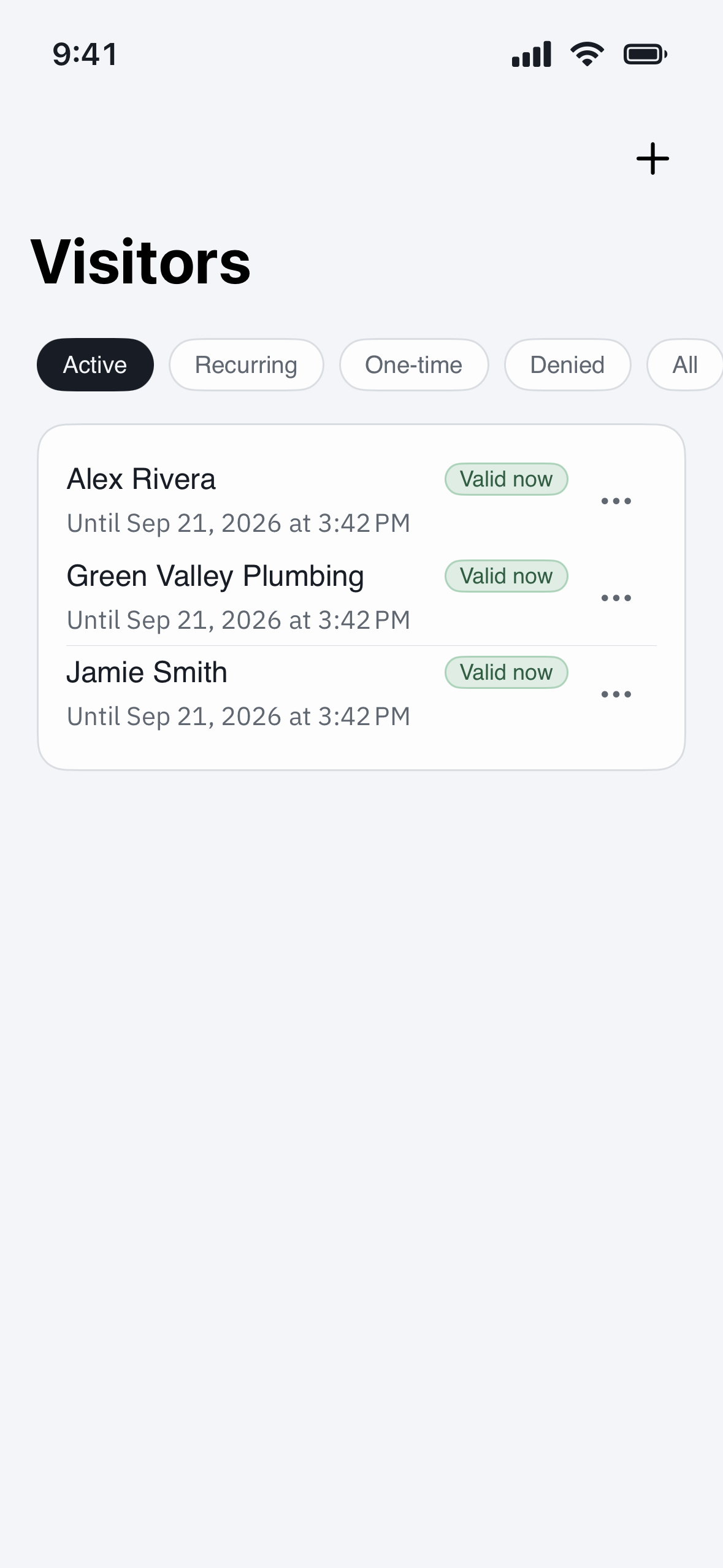
- Open Visitors (iPhone app) or QR codes (web app) and find the pass you want to stop.
- In the app, tap the ⋯ (More) menu on the pass and choose Deactivate. On the web, Deactivate is a button on the pass card.
The pass stops working immediately, and if your guest saved it to their phone’s wallet, that saved card updates to show it is no longer valid — so it fails on their screen, not just at the gate.
Cancel a whole visit
To call off a visit you have not yet had, find it under Visitors, open its ⋯ (More) menu and choose Cancel. That cancels the visit and deactivates any pass attached to it in one step. You can cancel a visit while it is still expected — once the guest has already arrived, use Deactivate on the pass instead.
After you cancel
- The guest’s QR code and entry code no longer open the gate.
- Cancelled by mistake? Just send a new pass — there is no way to switch an old one back on, and a fresh pass is the safer choice anyway.
- A pass that has already expired or used up its entries needs nothing from you — it is already dead.
Related
See “How long are passes valid, and can a guest forward one?” for how long passes last and how to keep them secure.