Your email address is how you sign in and how passes, alerts, and your welcome email reach you. Because of that, it is changed by your community office rather than by you in the app.
What you can change yourself
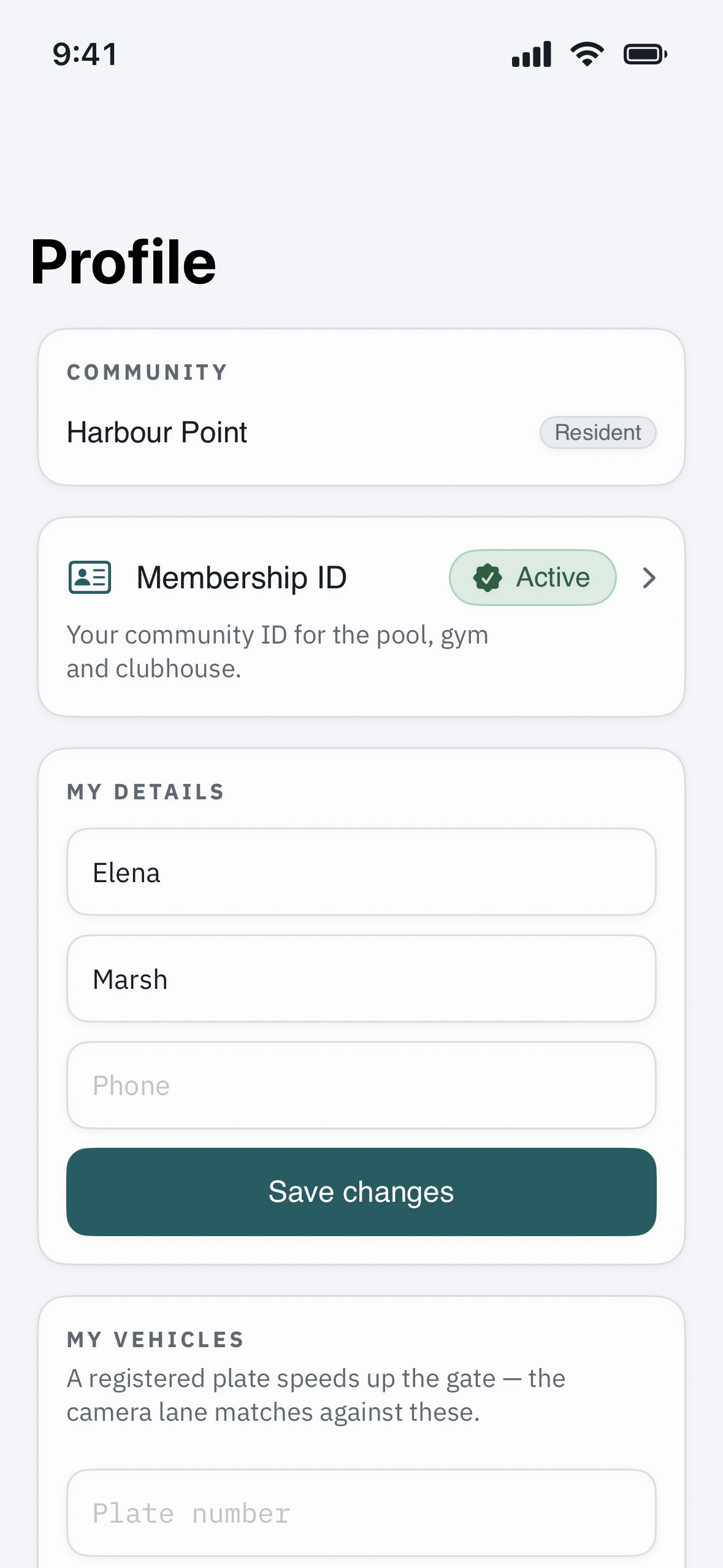
In the app you can update your own name, phone number, and language under your profile — see “Update your contact info & notification preferences.” Your email is the one detail that is not self-service.
To change your email
- Contact your community office or property manager and give them the new email address.
- They update it on your account.
- From then on, sign in with the new address.
What happens to your account
Changing your email does not affect the rest of your account — your passes, vehicles, household, and history stay exactly as they were. If the office sets the new address up as a fresh invitation, watch for a welcome email there; if it does not arrive, see “I didn’t get my welcome email or temporary password.”
Changing your password instead?
If what you actually want is a new password rather than a new email, you can do that yourself — see “How do I change or reset my password?”