You can change your password anytime, and reset it in a minute if you have forgotten it — no need to wait on your community office.
If you forgot your password
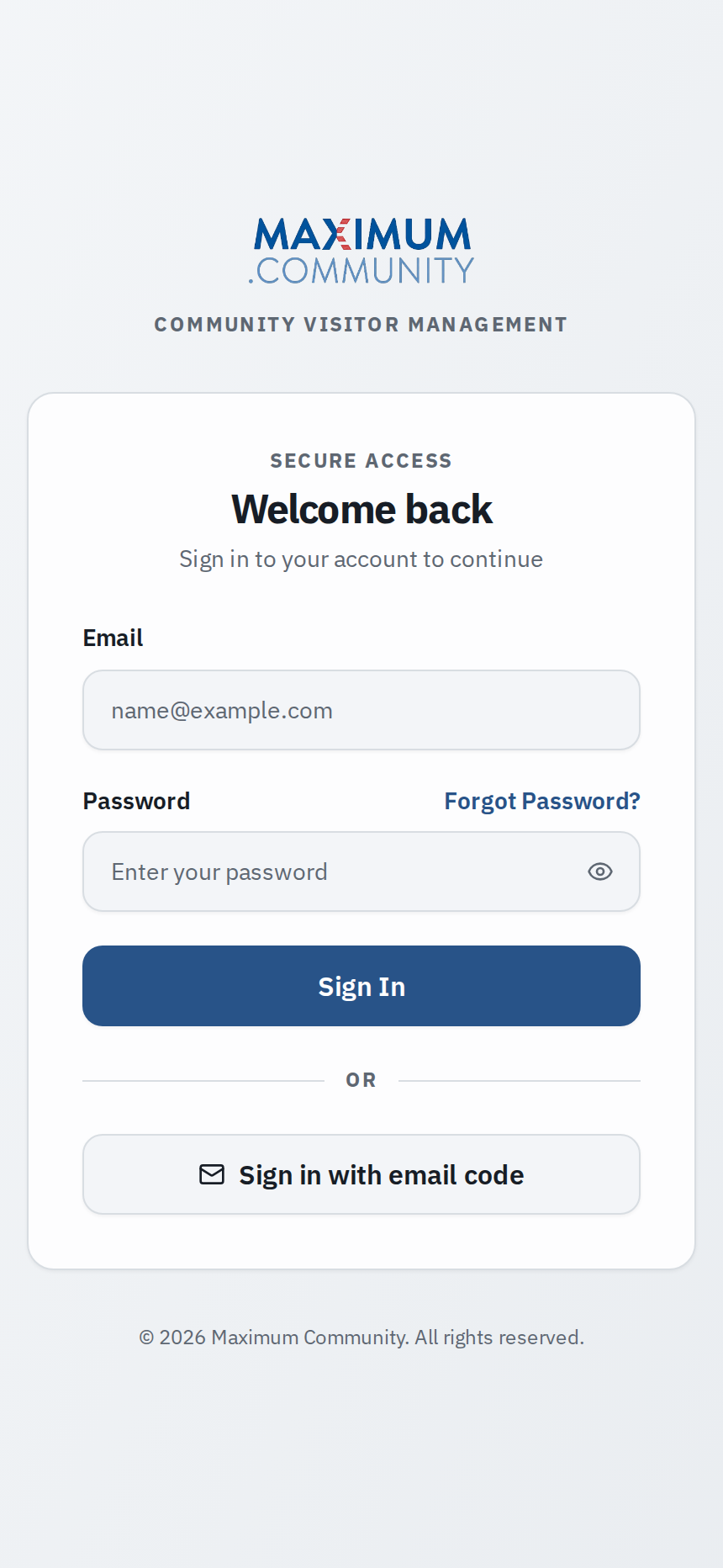
- On the sign-in screen, tap Forgot password?
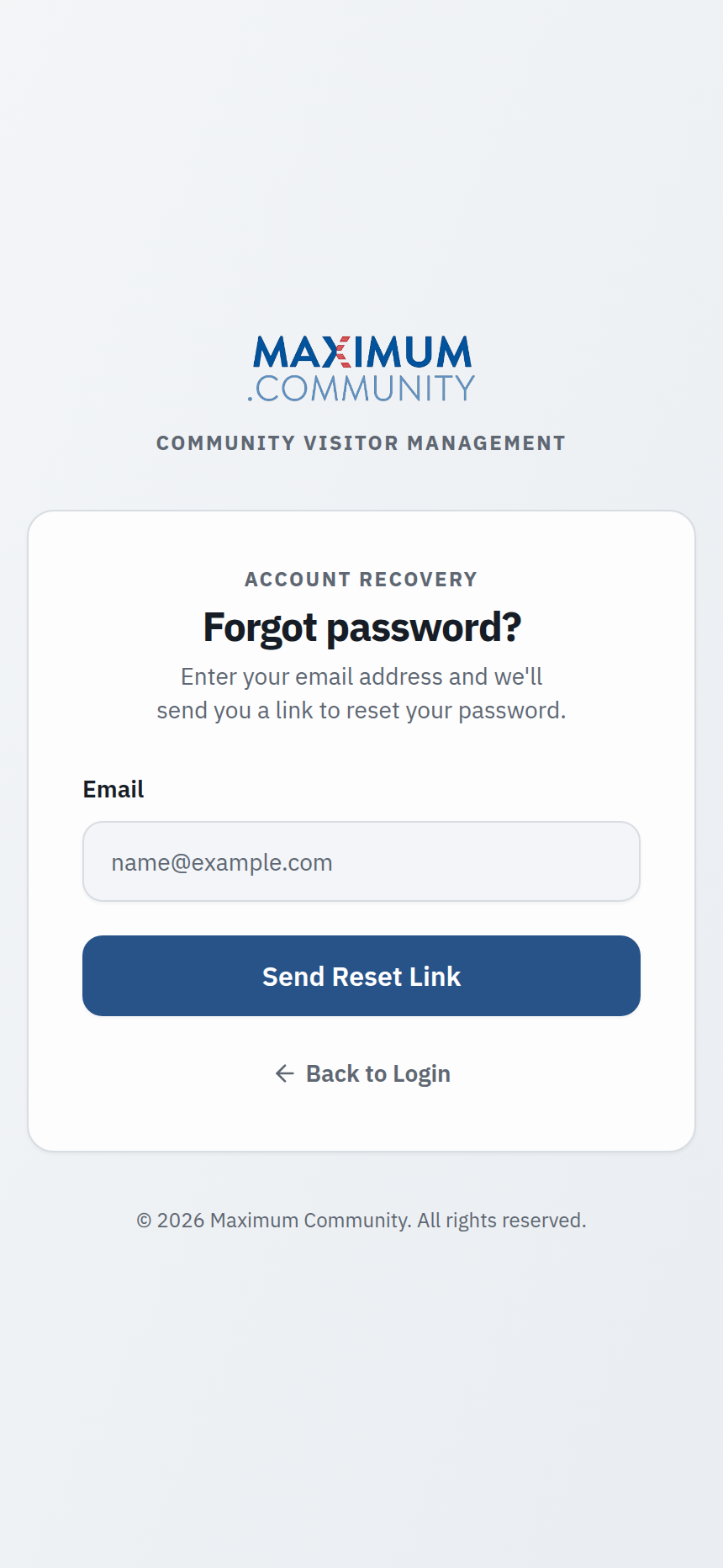
- Enter the email address on your account and submit.
- Open the reset link in your email (check spam if it is not there within a few minutes).
- Choose a new password and sign in.
If you are already signed in
Open Profile > Security (or Account settings), tap Change password, enter your current password, then your new one.
Choose a strong password
- At least 8 characters, mixing letters, numbers, and a symbol.
- Not a password you reuse on other sites.
The reset email never arrived?
Make sure you used the same email your community has on file, and check your spam folder. If it still does not arrive, your property manager can confirm the email on your account and send a fresh invite or temporary password.