These steps come from the iPhone (iOS) experience. Android works the same way, with slightly different button placement.
There are a few ways to reach the people who run your community, depending on whether it is something urgent for security or a routine question for the office. All of them reach your own community’s team — this is different from Maximum.Community’s product support.
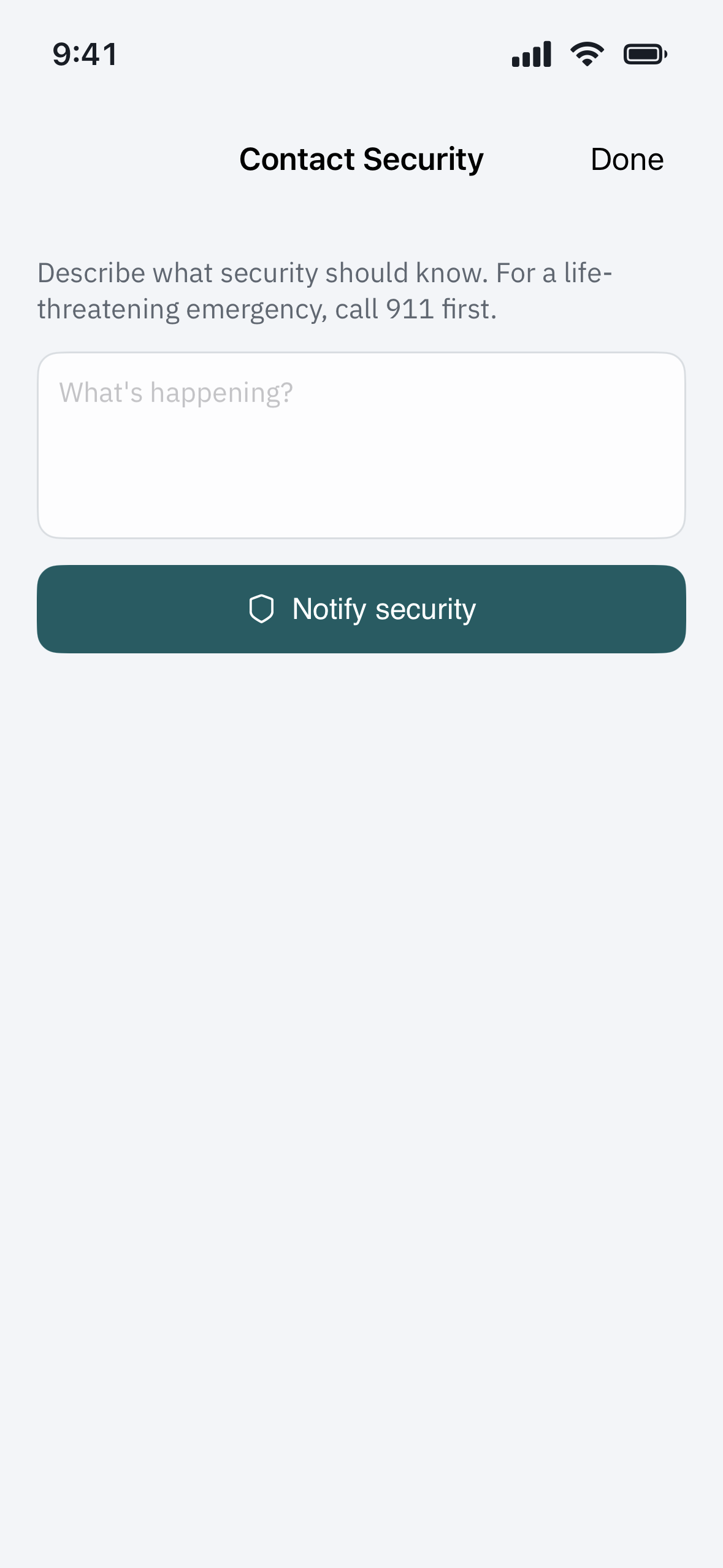
Something security should know now — Contact Security
On the Home screen, tap Contact Security. Describe what is happening, then tap Notify security. Your community’s security team is alerted right away, and you will see “Security has been notified.” You can then tap View the conversation to follow it in Messages.
For a life-threatening emergency, always call 911 first. Contact Security reaches your community’s guards, not emergency services.
See replies — Messages
Replies to a Contact Security message, and other messages from your community, arrive in Messages, with a badge for anything unread. Open a thread to read and reply.
Call or email — Contacts
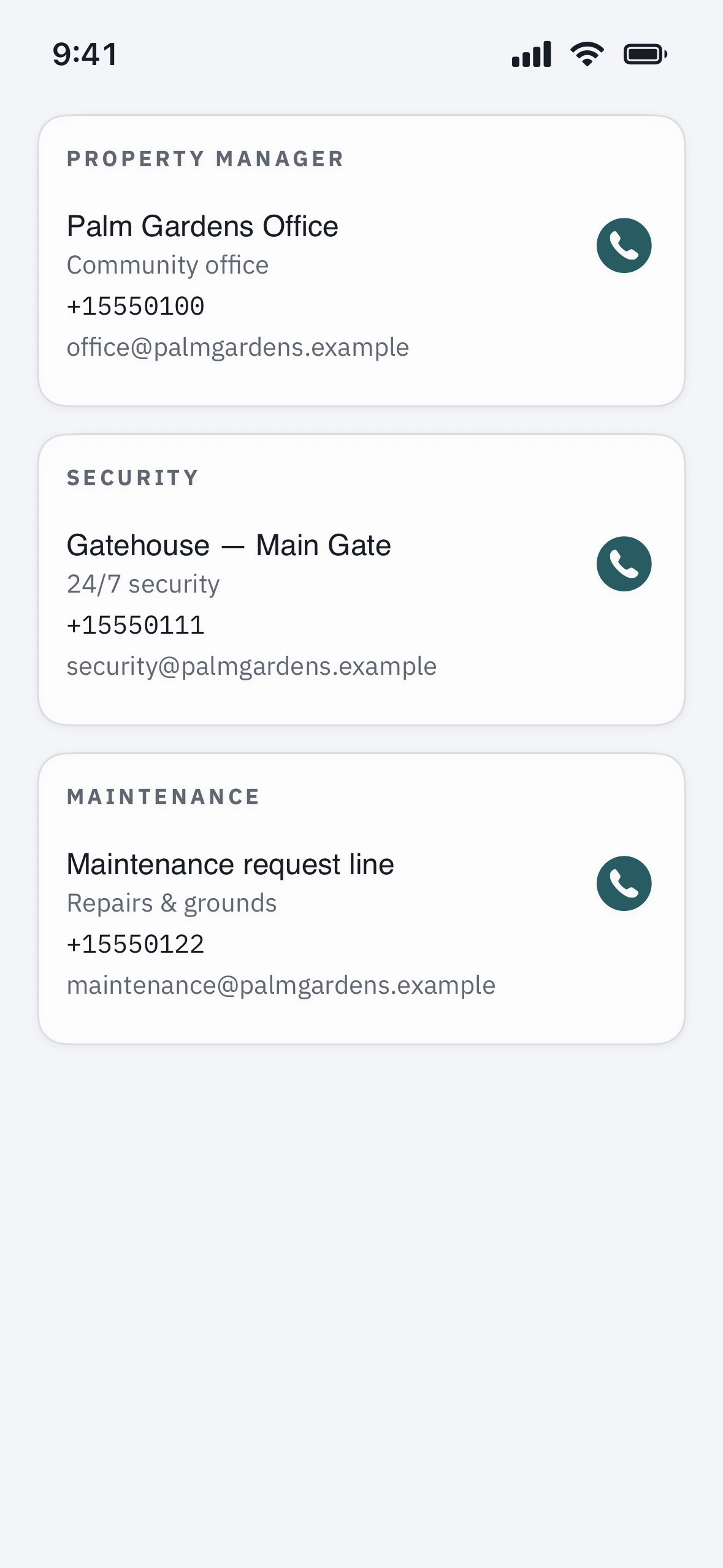
Open Profile > Community services > Contacts for the directory your community published — office, security, and maintenance — each with any notes, such as an after-hours line. Tap a contact to call or email it. If the directory is empty, your community has not added one yet; use Contact Security or Messages in the meantime.
A repair or maintenance request — Work orders
Where your community uses them, Profile > Community services > Work orders lets you submit and track a maintenance request — the right place for a broken gate arm, a light out, or a repair, rather than Contact Security.
Which one should I use?
- Urgent, security-related — Contact Security (and 911 for an emergency).
- A question or a routine matter — Contacts, to call or email the office.
- A repair — Work orders.
Note: these reach your community’s own staff. For a problem with the Maximum.Community app itself, use your community’s support channel.