If your community offers amenity booking, you can reserve a time for shared spaces like the pool, clubhouse, or gym right from the app.
Book a time
- Open Amenities (in the app, or at app.maximum.community) and choose the one you want.
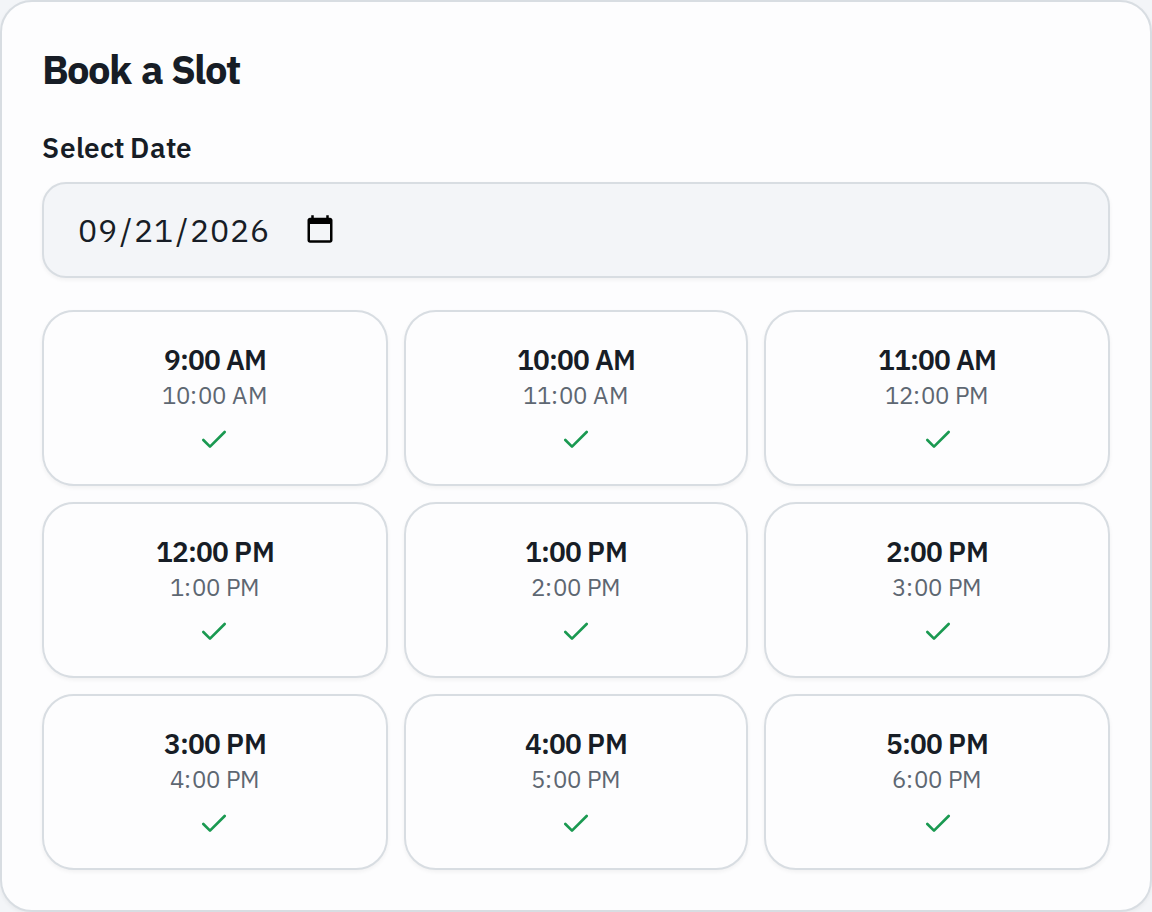
- Pick a date. You can book a little ahead — your community sets how far, often about a week.
- Choose an open time slot. Slots are a fixed length, and each shows whether it is still available.
- Confirm your booking.
Good to know
- Each slot has a capacity — once it is full, you will need another time.
- There is a limit on how many upcoming bookings you can hold for one amenity at a time, so others get a turn.
- You cannot book a time in the past, or further ahead than the community allows.
Change or cancel
Find your reservation under My bookings and cancel it if your plans change — do this before it starts so the slot frees up for someone else.
Don’t see Amenities?
Not every community uses amenity booking, and some amenities are tied to your membership level. If you expect to see it and don’t, check with your property manager.