If your community issues membership IDs, your card is digital and lives in the app — no plastic card to carry.
What’s on your card
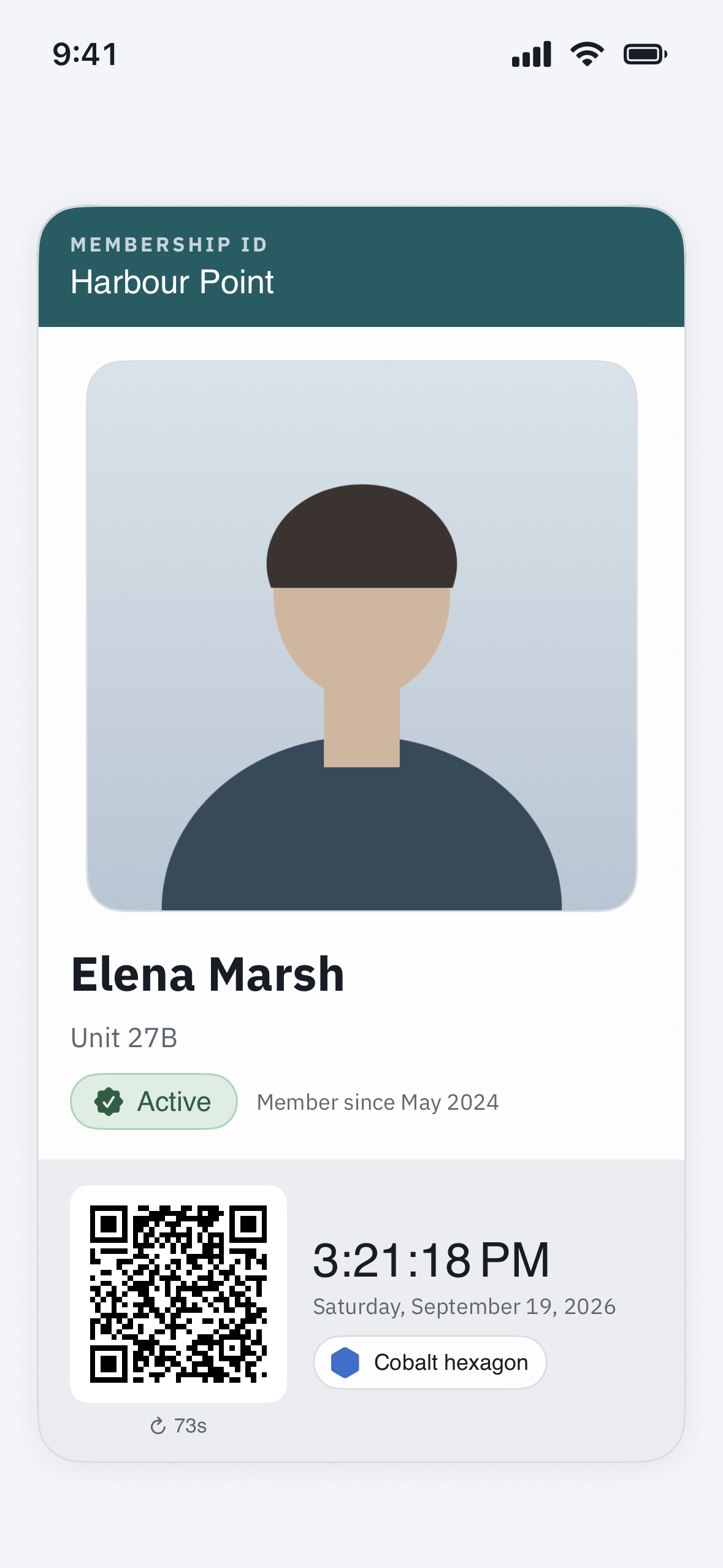
Your Membership ID shows your photo, your name, your home, your membership level, and what that level includes — for example, which amenities you may enter.
How to show it
- Open your Membership ID in the app.
- A guard or amenity attendant scans the QR code on the card to verify you on the spot.
The card’s QR refreshes on its own for security, so simply keep the card open on your screen while it is being scanned — you never need to copy a code down.
More than one card
If you have more than one home, or others in your household have their own cards, you can swipe between cards in the app.
Your photo
The photo on your card is taken and updated by the community office, so it stays a verified likeness — you cannot change it yourself in the app. If your photo is missing or out of date, ask your property manager to update it.
No Membership ID in your app?
Then your community does not use membership ID cards. Everything else — passes, gates, the intercom — works the same either way.