Getting more alerts than you want? You can turn off a single type of notification without silencing everything — so you still get the ones that matter, like someone at the gate.
1. Turn off one category in the app
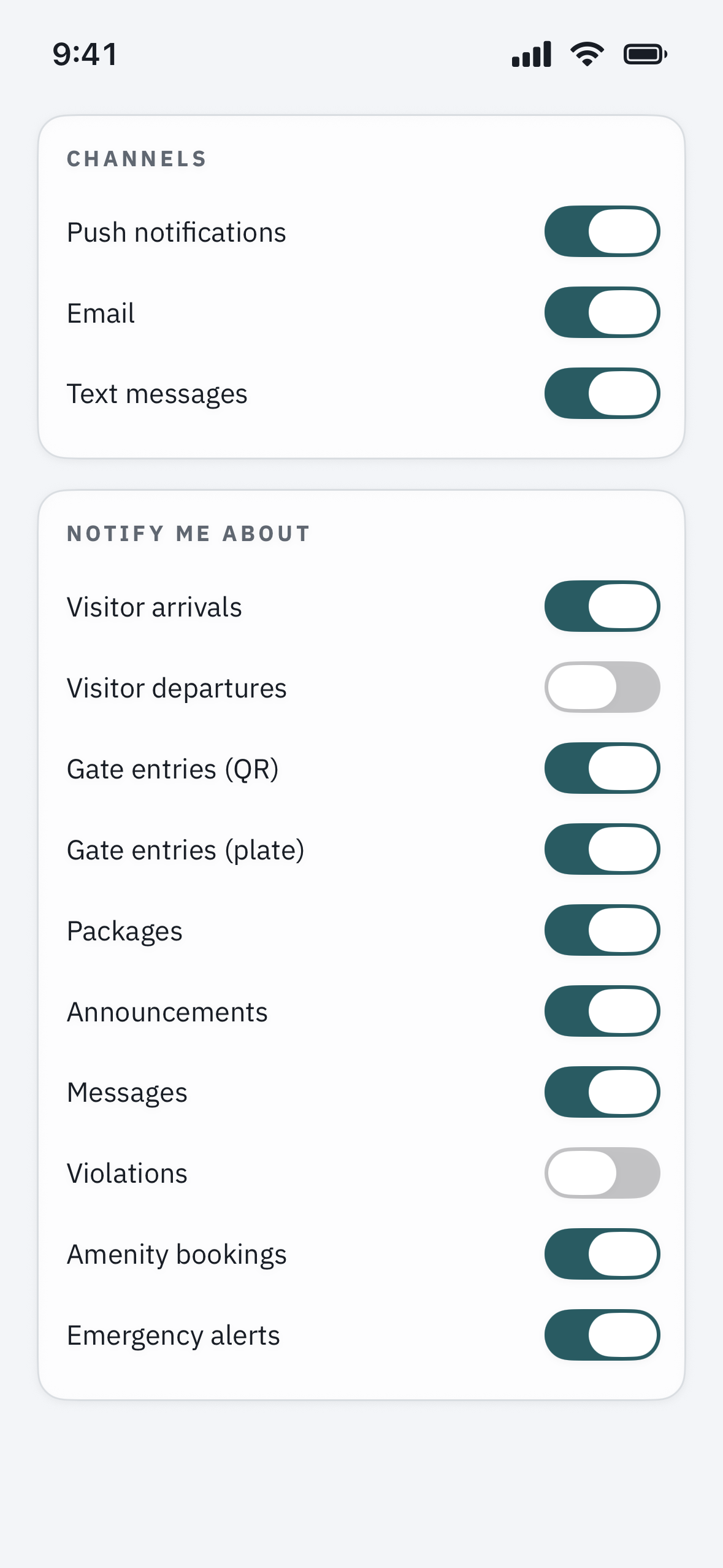
Open Settings > Notifications in the app. Each type of alert — visitor arrivals, package alerts, community announcements, intercom calls — has its own switch. Turn off just the category you do not want.
2. Choose how each one reaches you
For many categories you can pick the channel — push, text, or email — separately. For example, keep announcements as email only, so they stop buzzing your phone but you still have a record.
3. Quiet everything at certain times
To pause alerts overnight without changing your preferences, use your phone’s Do Not Disturb or a Focus schedule. If you do, consider leaving intercom calls allowed so you are not missed at the gate.
Keep these ones on
We recommend leaving intercom calls and security alerts enabled — these are how you know someone is at your gate or that something needs your attention. Turning them off means a visitor calling your unit will not reach you.
Turned something off by mistake?
Head back to Settings > Notifications and switch the category on again. If a whole class of alerts still will not come through after enabling it, see “I’m not getting notifications.”