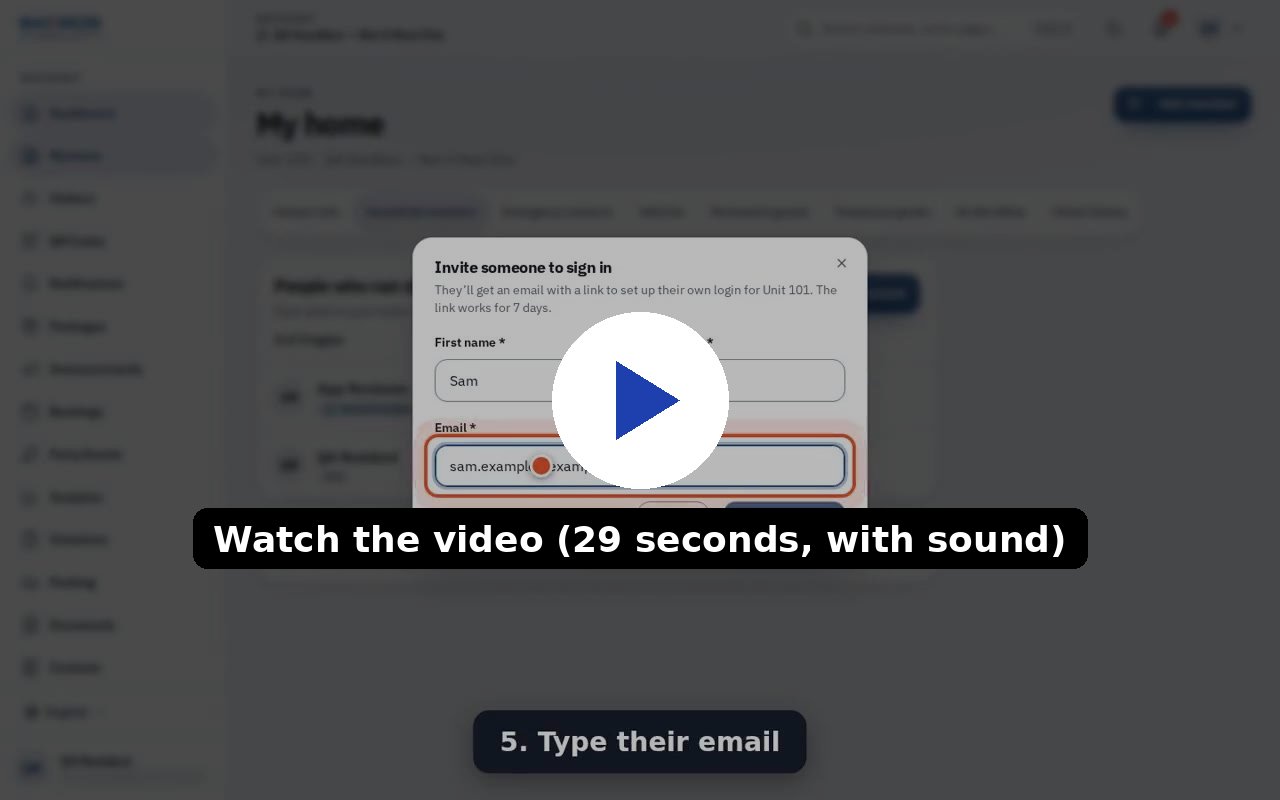
Every adult in your home can have their own login, instead of sharing one. Anyone who already has a login for your home can invite the next adult. This works on the website today; the iPhone and Android apps follow later (the person you invite can already sign in on the apps with the emailed code once their login exists).
Who can do this
- Any adult with a login for the home, including people who were themselves invited.
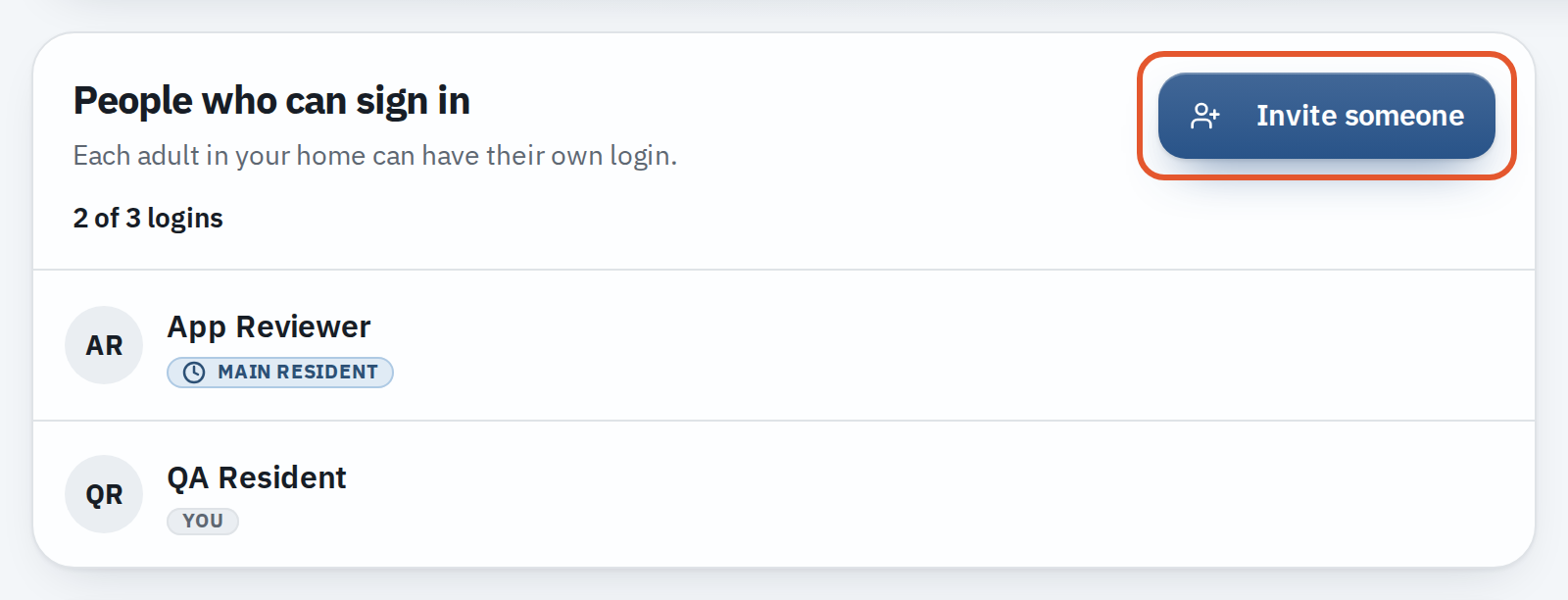
- A home can have 3 logins by default, counting you. Invitations that are still waiting count too. The office can change the number for the whole community or for one home.
Steps
- On the web at app.maximum.community, open My home in the menu, then Household members.
- In People who can sign in at the top, press Invite someone.
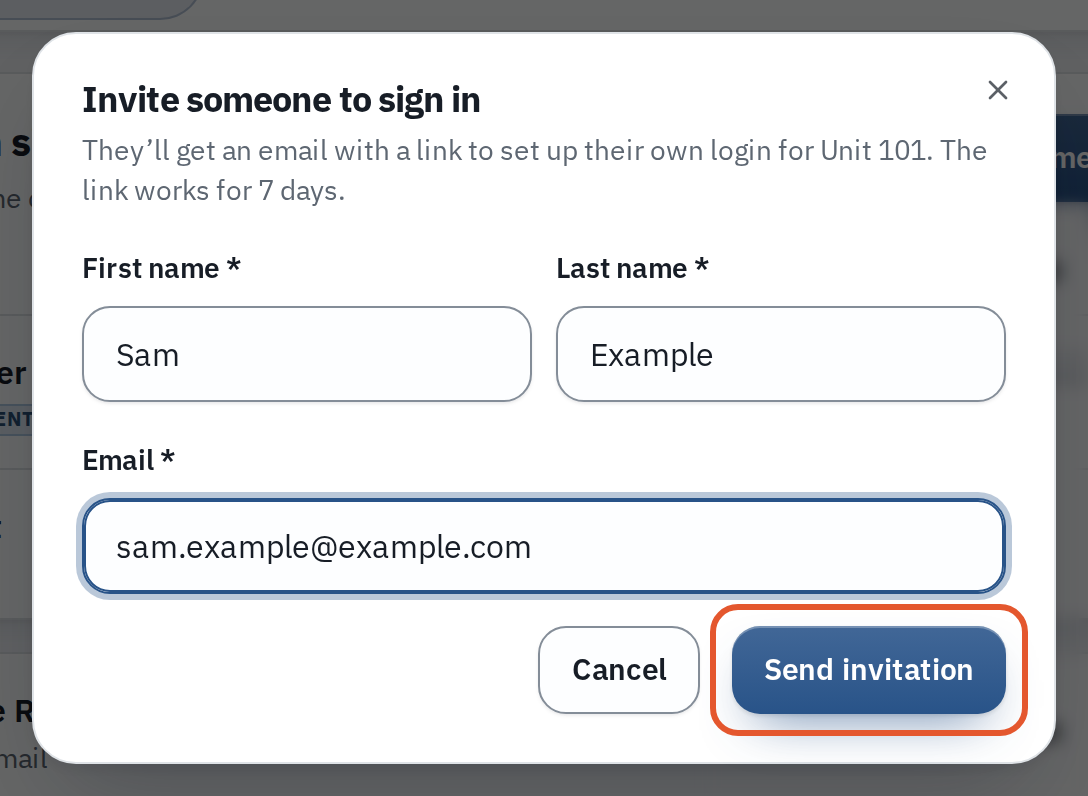
- Enter their First name, Last name and Email.
- Press Send invitation. The list shows Invitation pending with the day it expires.
What the other person sees
- An email: "Name added you to your home…" with an Accept invitation link that works for 7 days. Nothing happens unless they accept.
- New to Maximum.Community: the link page asks them to press Email me a code, type the 6-digit code, check their name, and press Accept and sign in. They are signed in at your home. They never get a temporary password; later they sign in with an emailed code, or set a password with Forgot password.
- Already has an account: they sign in to their own account, then open the link again, or press Accept on the Household invitations banner on their home screen. Their password and details are not changed.
- A person who already has a home in this community cannot accept another; the office adds a second home to their account instead.
An invited adult is a full resident of the home: their own passes, guests and vehicles, with the home's packages and announcements. Your guests and passes stay yours. Your Do Not Allow list is shared with everyone you invite: it is one list for the whole home, and each entry shows who added it.
Resend, cancel, remove or leave
- Resend sends a new link (the old one stops working) and restarts the 7 days. You can resend 10 minutes after the last send. An invitation can be sent 5 times in all, the first send included; after that, cancel it and send a new one.
- Cancel (the cancel button beside the invitation) stops the link working.
- The main resident, or anyone the office added, can Remove any invited adult. An invited adult can remove only the people they invited, and themselves with Leave this home. Removal asks you to confirm, signs the person out and ends their own guest passes and door keys; other people's guests and passes do not change. The people they added to Do Not Allow come off your home's list; the same happens when someone leaves.
- Only the office can remove the main resident, or an adult the office added directly.
Phone keys
If your community has turned on Give invited household adults a phone key automatically, the new person gets a phone key for the same doors as the main resident's. It is off by default; otherwise the office issues keys.
If you don't see this
- The button is grey. Read the line under the count. Reasons: the home is full ("This home has reached its limit of 3 logins, pending invitations included"), the community uses membership cards ("the office adds the people who sign in for a home. Ask the office to invite them"), or resident sign-in is off.
- No People who can sign in box. It is on the website only, under My home, Household members. The apps do not have it yet.
- "We couldn't send the email": the invitation is kept; press Resend in a minute.
Related
How do I add a family member or co-resident to my home? and Why can't I add or edit my household members?.