Short answer: yes on Android, and it is free for you as a resident. Here is what that means in practice.
Android and iPhone both work
Everything works in a web browser on any phone, tablet, or computer, iPhone or Android, so you can sign in, invite guests, send passes, see your visit history, and manage your account without installing anything. Just open your community’s Maximum.Community address in your phone’s browser and sign in.
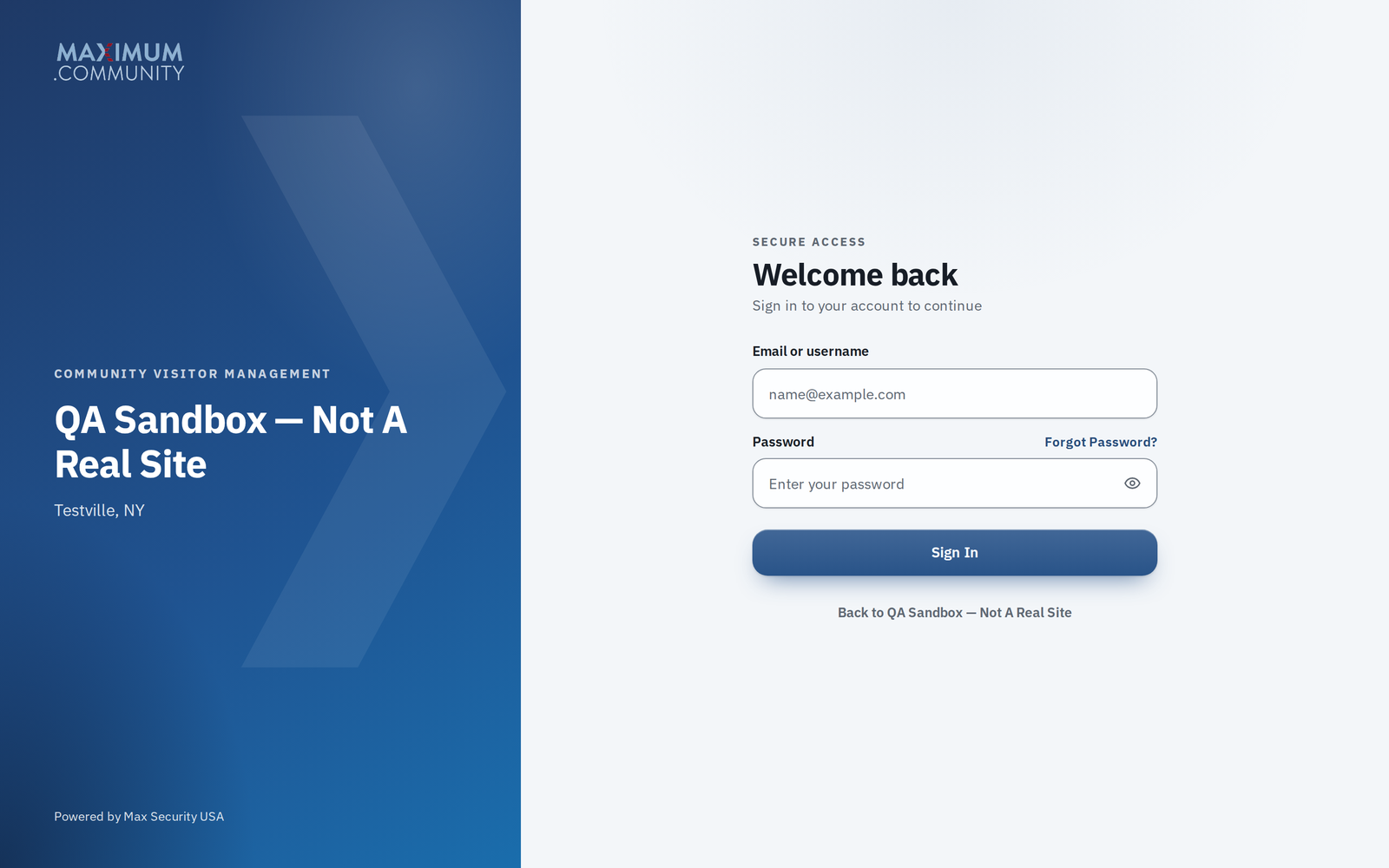
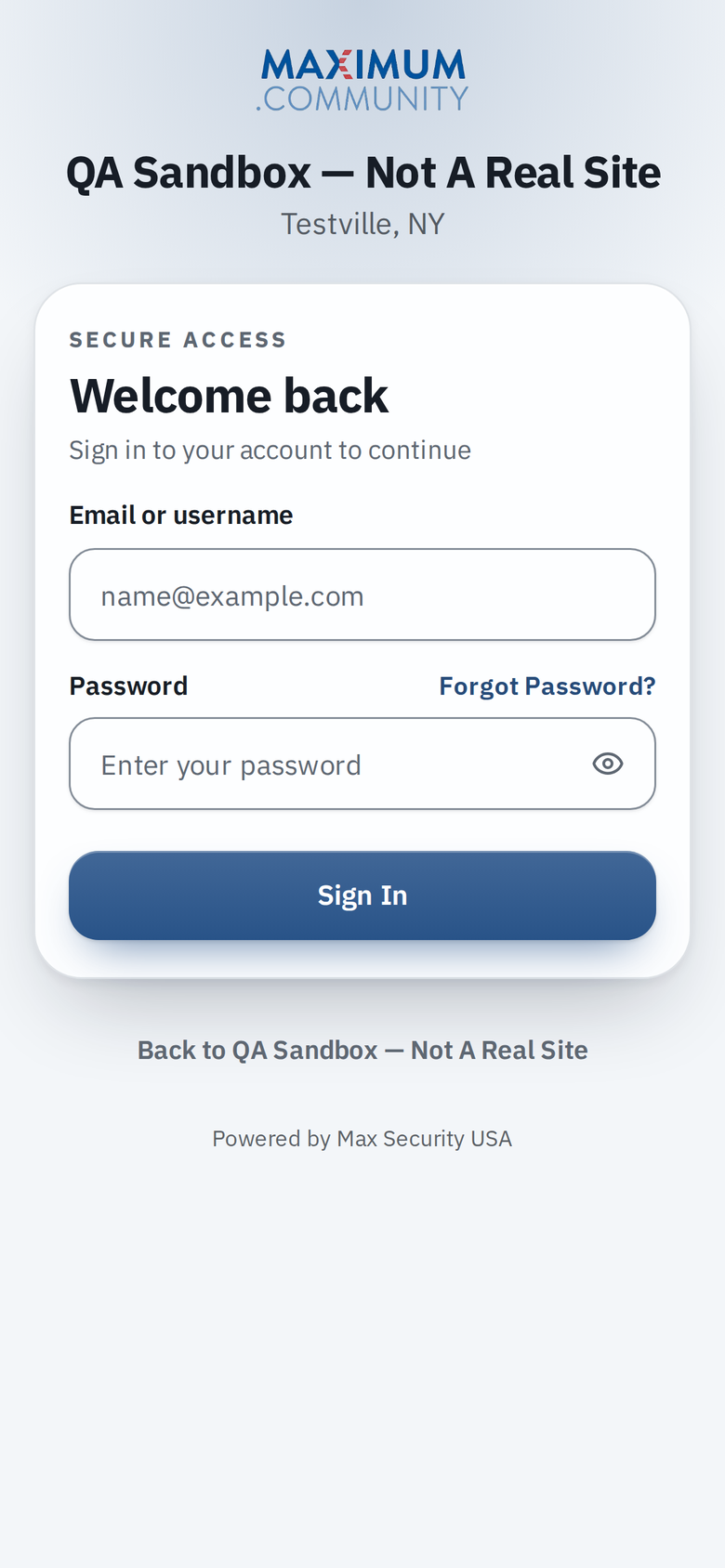
There is also a Maximum.Community app for iPhone or Android. It adds conveniences like push notifications, gate intercom calls and a Bluetooth phone key, but you do not need it to use the service.
Guest passes need no app at all
When you send a guest a pass, it arrives as a link. Your guest does not need an account or the app, and on iPhone the pass can be added to Apple Wallet.
Does it cost you anything?
No. Maximum.Community is free for residents. There is no subscription and no per‑resident fee to use it. The only charges you might see from the app are your own carrier’s normal data or text rates, exactly as with any other app or website. Golf is separate: if your community runs its golf course on Maximum.Community, the course’s own fees (such as green, cart or event fees) are recorded to your member account for the club to bill, or, where online payments are switched on, can be paid online by card. Those are the course’s charges, not a Maximum.Community fee.
Getting started
Your community creates your account and sends you a welcome email with a temporary password. If you have not received it, see “I didn’t get my welcome email or temporary password.”