Short answer: your information is used to run access for your community, and it is not sold. Here is who can see what.
Your visit history
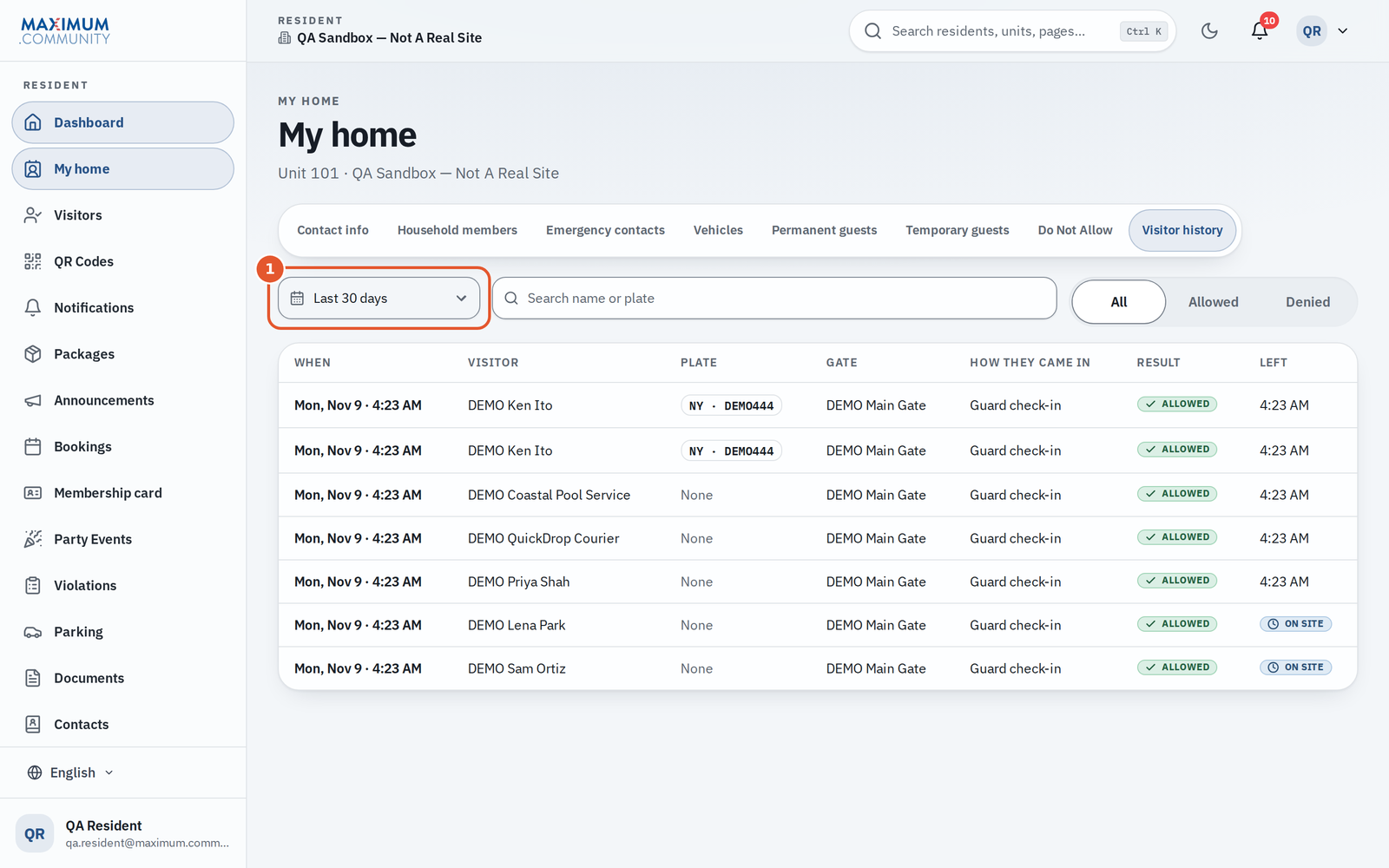
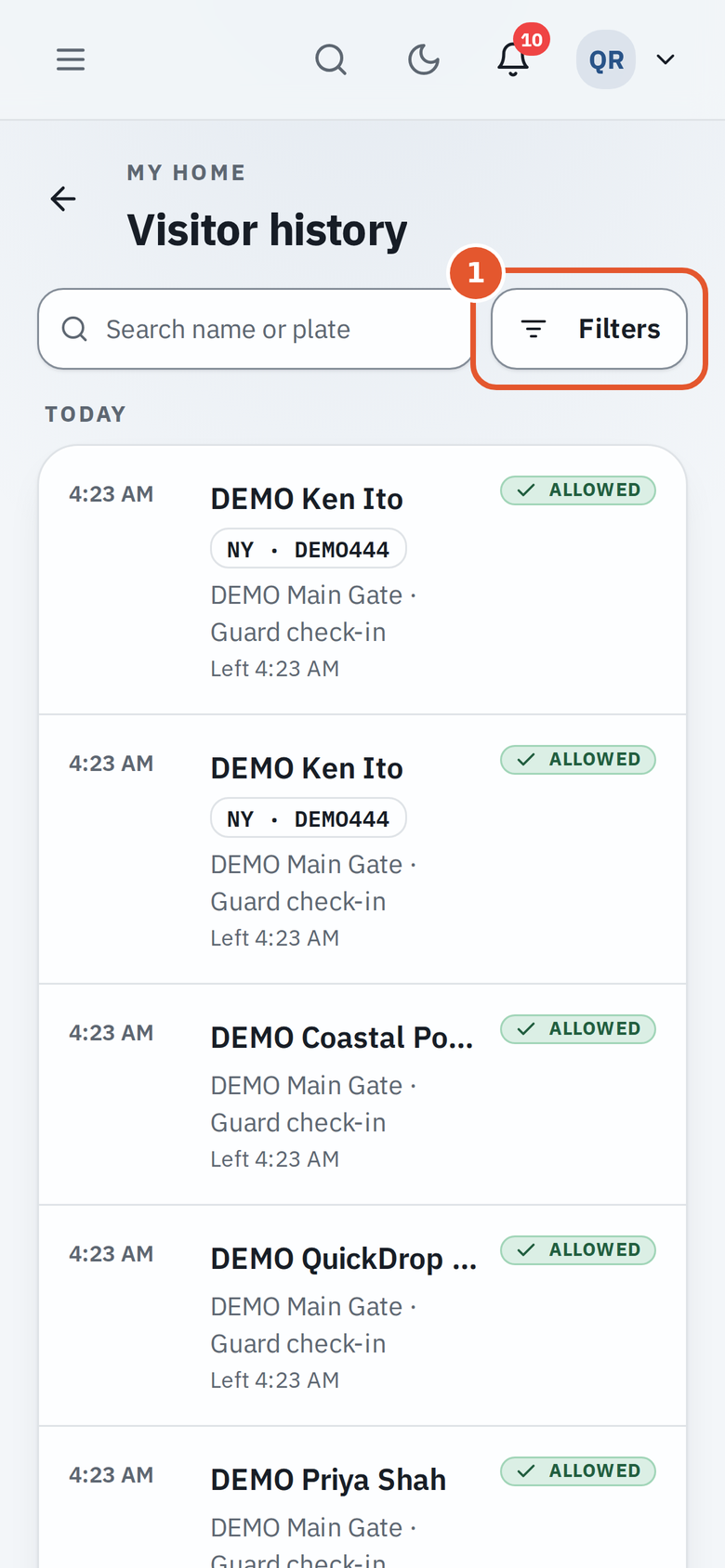
Under My home, Visitor history you see the visits to your own home: the guests you invited and who came through for you, including entries read by the plate camera. You cannot see other residents' visitors, and they cannot see yours.
What your property manager and security team can see
Staff keep a community-wide access log so they can answer “who was here?” and look into incidents. It records gate entries: visitor names or vehicle plates, the unit visited, the gate and method, and the time. This is standard for a managed community and is limited to authorized staff.
Your household's Emergency contacts list can be seen by your community's security and office, and nobody else.
Your contact details
Your name, phone number, and email are used to deliver passes, intercom calls, and community alerts. They are visible to your community's staff and are not shared for advertising.
How long records are kept
Records are kept according to your community's settings and local requirements, then aged out. Your community sets how long license-plate reads and their photos are kept, and they are deleted automatically each night once they are older than that. A read can be kept longer while it is under a legal hold, behind a Do Not Allow incident, or when its plate has an open BOLO. Your property manager can tell you the specifics for your community.
If you delete your account
Your name is removed from what other people see. A locked security archive keeps what the law and community security need, and ordinary staff and residents cannot open it. See “Delete my account or request my data.”
Questions about your data
If you want to know exactly what is stored about you, or you need something corrected or removed, contact your property manager, who can raise it with your Maximum.Community administrator.