Your guest buzzed your unit from the gate and your phone never rang. First, here is how to get them in right now — then how to make sure the next call reaches you. For answering a call and turning on the permissions that make it ring, see “Answer the gate intercom on your phone”.
Let your guest in right now
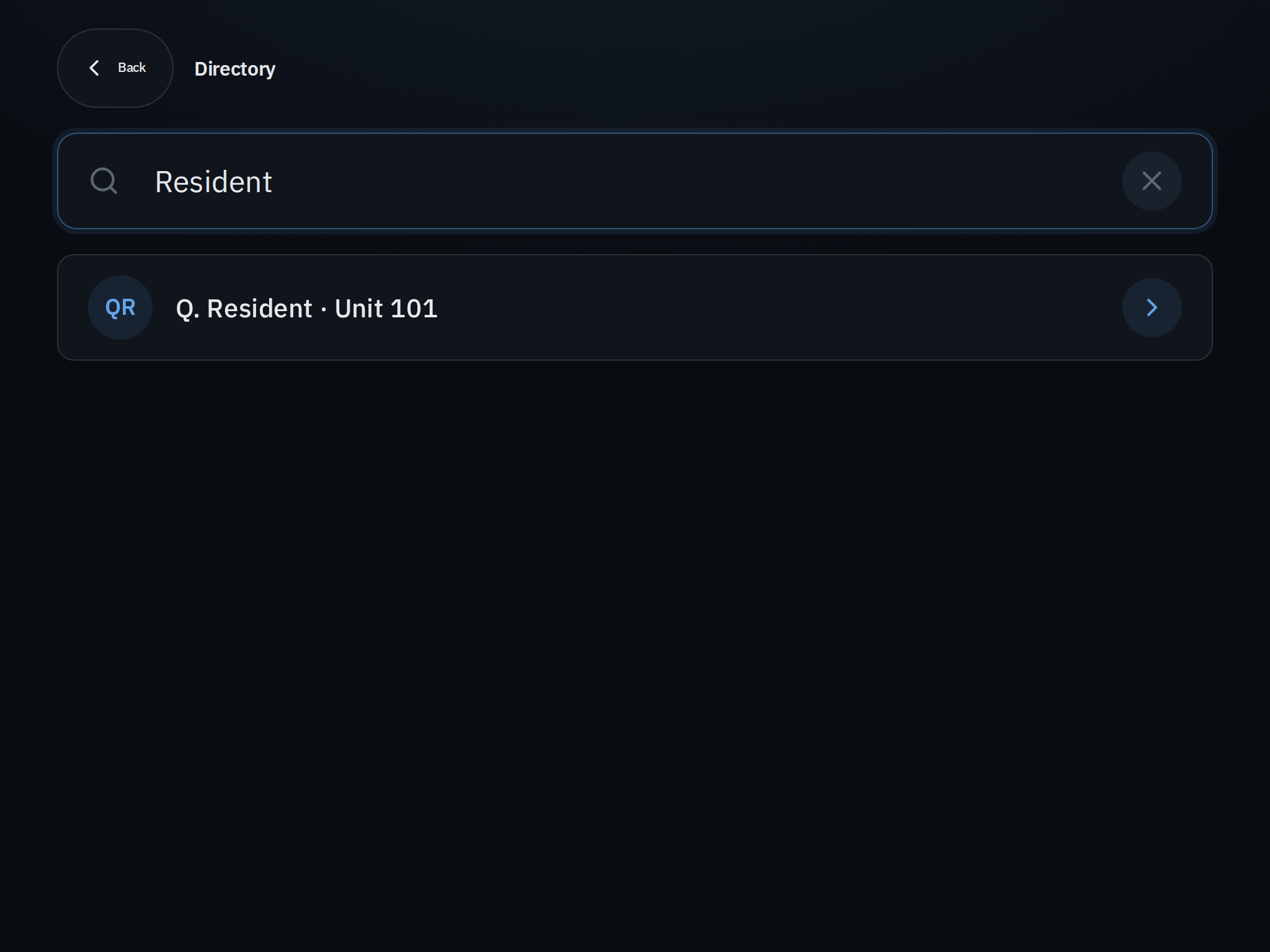
- Use the entrance tablet. If your community has a tablet at the gate, your guest can find your name in the directory and call your unit again, or tap the option to reach the office or security. (Your name shows there only if you have left directory listing on.)
- Send a pass. From the app, send your guest a QR code or a one-time PIN — it arrives by text in seconds and gets them straight in.
- Open it yourself. If your community has given you remote open, open the gate from Home > My gates.
Why the call may not have reached you
A gate call rings the app on your phone, so the usual causes are all on the receiving end. Work through these before the next visit.
- Be signed in on the phone you carry. The call only reaches phones you are signed in on. Open the app at least once after installing or updating it, so it can register to receive calls — and reopen it if you recently reinstalled the app or restarted your phone.
- Allow the permissions that make it ring. Notifications wake and ring your phone; Microphone and Camera let you talk and see the gate. If any were declined, switch them back on in your phone’s Settings under the community app.
- Check Do Not Disturb and Focus. A Focus, Do Not Disturb, or Sleep schedule can hold a call back. Add the community app to the mode’s allowed apps, or turn the mode off when you are expecting someone.
- Make sure the right phone is signed in. The call rings every phone you are signed in on, and can also ring others on your unit. If it went to a phone you had put away, that is why.
Good to know
- A call you miss typically rolls to the guard or to another person on your unit, so your guest can still get help. You will also see a missed-visitor entry in your history.
- If nobody’s gate calls are working and your app is signed out or showing a “service suspended” message, your community’s service may be paused — see “Why did my access suddenly stop working?”
Still not ringing?
If calls never ring even with notifications, microphone, and camera all on, first work through “I’m not getting notifications”, then contact your property manager. Tell them your unit, your phone model, and whether any other alerts (like package or announcement notices) reach you.