Welcome. Maximum.Community lets you register your guests, open the gate, and answer the gate intercom — all from your phone. This is a short tour of the first things to set up. Each step links to a guide with the details.
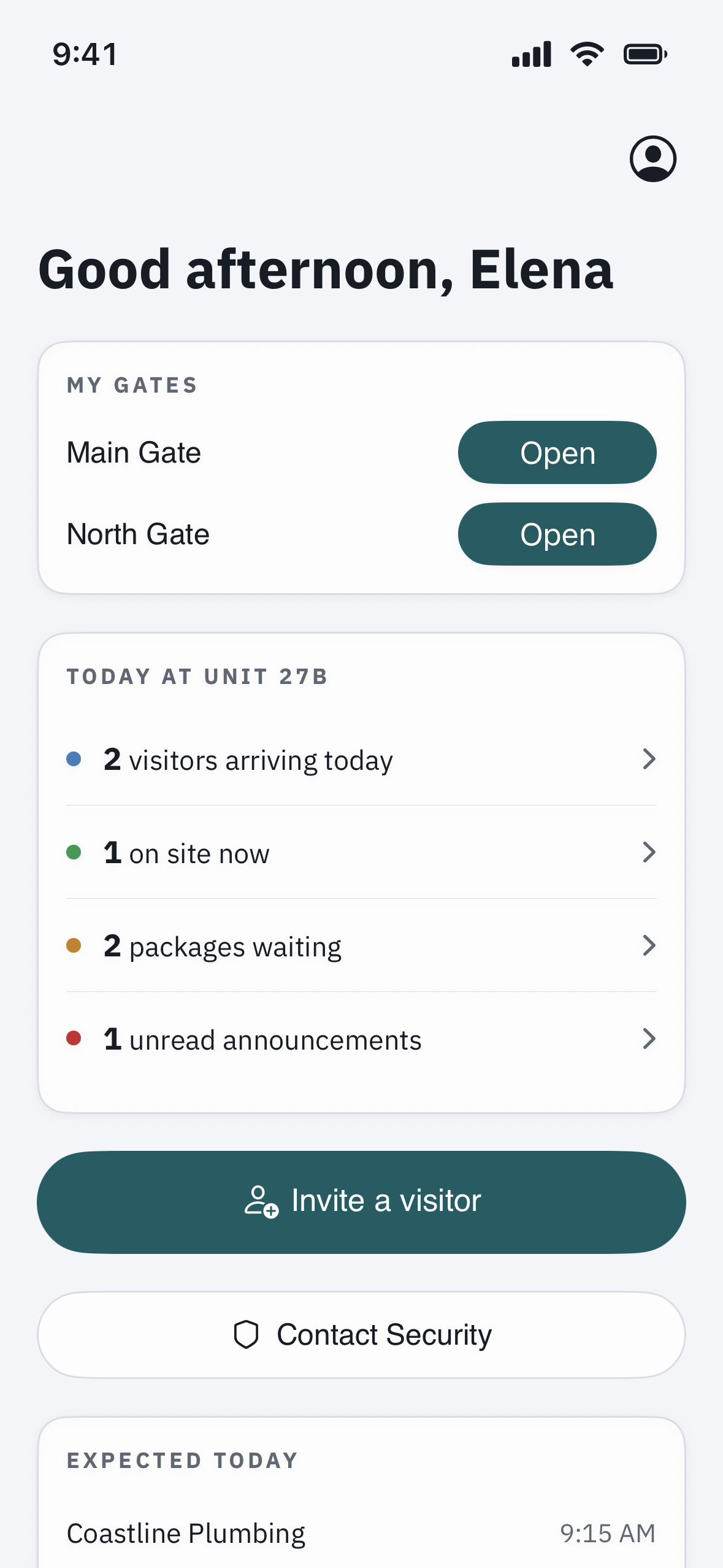
1. Get signed in
Open your community’s Maximum.Community address, sign in with the email your community has on file, and set your password. See “Install the app and turn on notifications” to get it onto your Home Screen, and “Reset your password” if you need to set or recover one.
2. Turn on notifications
This is what makes sure a guest at the gate, an intercom call, or an announcement actually reaches you. See “Install the app and turn on notifications” and “Update your contact info & notification preferences.”
3. Invite your first guest
Send a visitor a pass in seconds. Start with “Invite a guest & send a visitor pass,” then “Create a QR code pass for a visitor” and “Set up a one-time PIN for a visitor” for the different ways a guest can get in.
4. Open the gate
Set your phone up as a key with “Add your Bluetooth key & open the door,” and see “How do I open the gate from my phone?” for opening a gate you have access to.
5. Answer the gate intercom
When a visitor buzzes your unit, your phone rings like a video call. See “Answer the gate intercom on your phone.”
6. Deliveries and regular helpers
For couriers and ongoing access, see “How do I let in a delivery, courier, or driver?” and “How do I give ongoing access to a housekeeper, nanny, dog walker, or contractor?”
7. Add your vehicle
If your community reads license plates at the gate, add yours with “Add a vehicle / license plate to your unit.”
8. Reach a person when you need one
See “How do I contact my community office or security?”
Good to know
- Check who came through with “See who came through your gate (visit history).”
- Show your “digital Membership ID” where your community issues one.
- Have homes in more than one community? See “I have homes in more than one community — how do I switch between them?”
- Set quiet hours so you are not notified late at night.
- Wondering who can see your information? See “Is my data private? Who can see my visits and information?”