These steps and screenshots come from the iPhone (iOS) app. Android works the same way, with slightly different button placement.
Forgot your password, or just want to change it? You can reset it in about a minute — from the sign-in screen if you're locked out, or from your profile if you're already in. Either way you'll end up with a fresh password only you know.
1. Reset it from the sign-in screen
Use this when you can't get in:
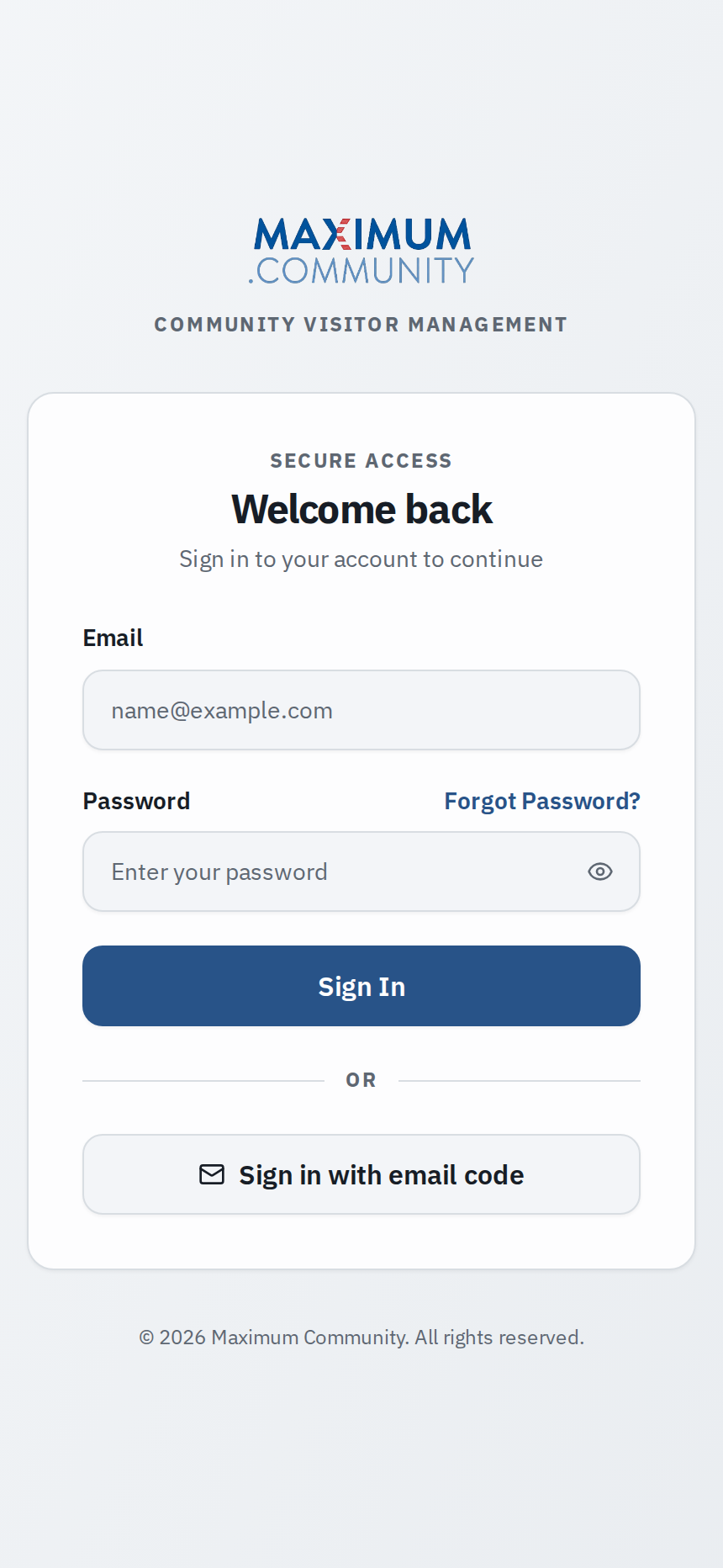
- On the sign-in screen, tap Forgot password?
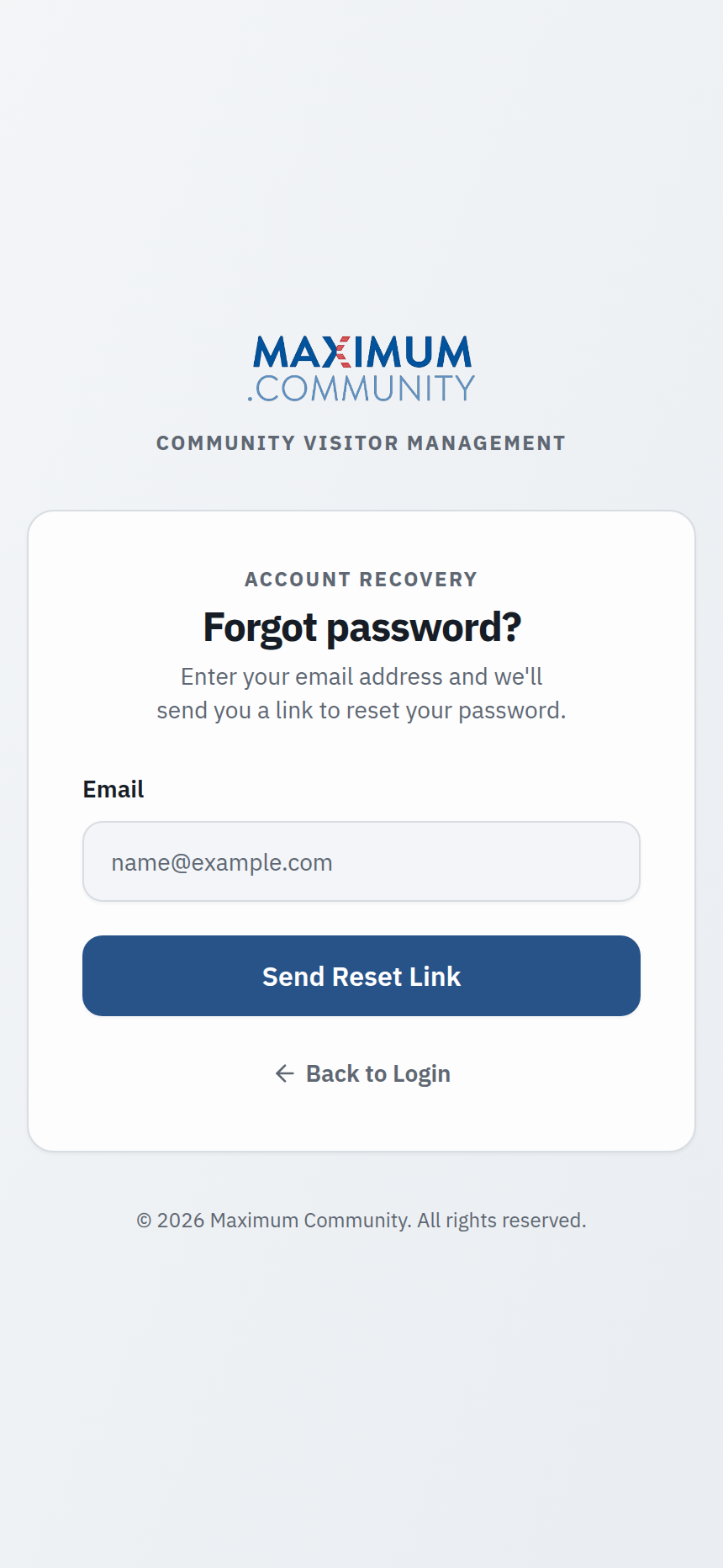
- Enter the email address on your account — the one your community has on file — and submit.
- Check your inbox for a reset link. If it's not there within a few minutes, look in your spam or junk folder.
- Open the link, choose a new password, and sign in with it.
2. Change it while you're signed in
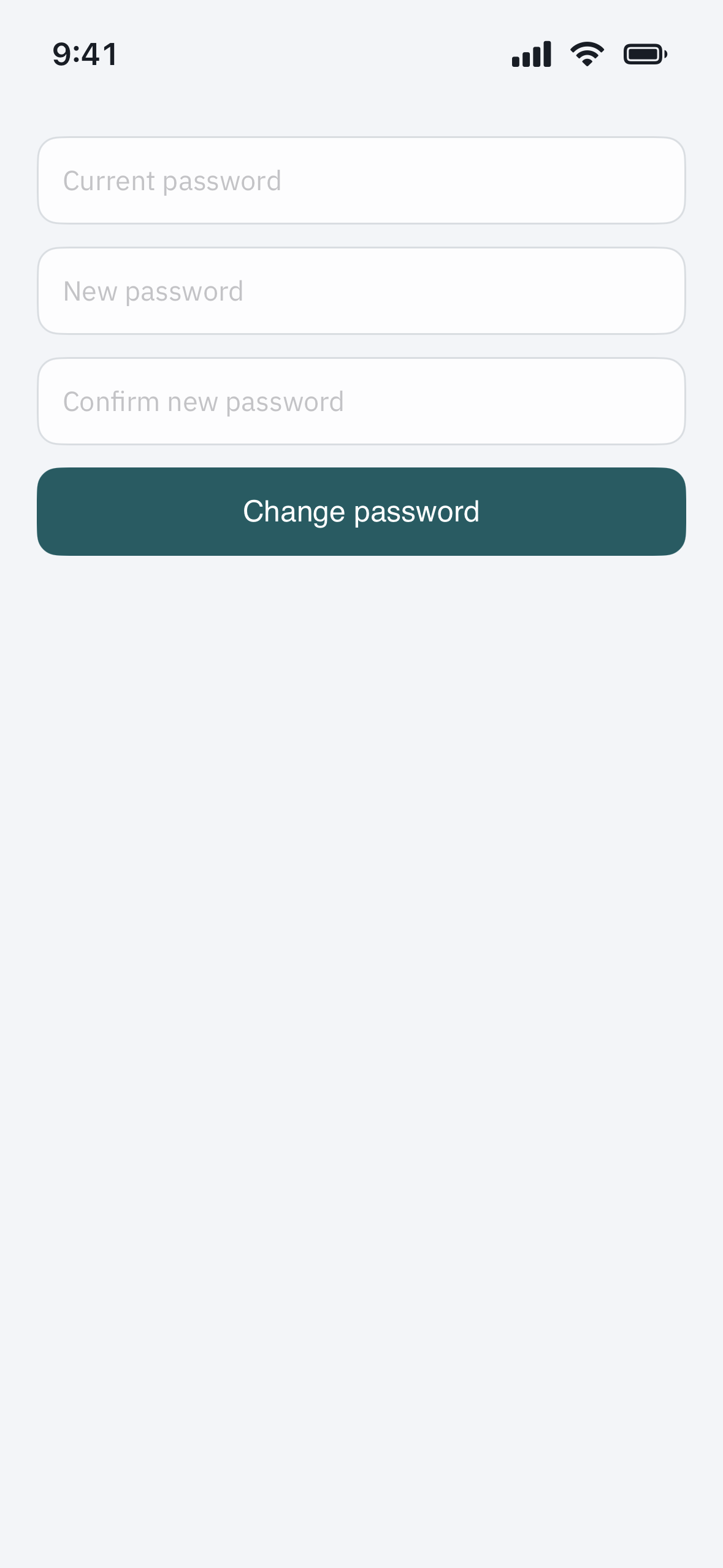
If you already know your current password and just want a new one, open Profile > Security (or Account settings), tap Change password, enter your current password, then your new one twice. This is also the right place to update your password after signing in with a temporary one.
3. Choose a password that holds up
- At least 8 characters, mixing letters, numbers, and a symbol.
- Not a password you reuse on other sites — your community login deserves its own.
- Long and memorable beats short and cryptic; a short phrase you'll actually remember is a good bet.
After you reset, you'll be signed out on other devices and will need to sign in again with the new password.
Troubleshooting
The reset email never arrives. Make sure you entered the same email your community has on file — a reset only goes to a known address, and typing a slightly different one produces nothing. Check spam, and give it a few minutes. Still nothing? Your property manager can confirm which email is on your account and send a fresh invite or a temporary password.
You were signed in with a temporary password. That's expected the first time, or after staff reset your account. The app will prompt you to set your own password right away — do that, and the temporary one stops working.
The reset link says it expired. Reset links are only good for a short window. Just tap Forgot password? again to get a fresh one.
You're sure the password is right but still can't get in. After several wrong attempts the app may briefly lock you out — wait a few minutes and try again. Confirm you're using the resident mobile app with the email your community has on file, not a different login.