These steps and screenshots come from the iPhone (iOS) app. Android works the same way, with slightly different button placement.
A one-time PIN is a short code your visitor types on the gate keypad to get in. It's the easiest pass to share on the spot — you can read it over the phone — and because it's one-time, it stops working the moment they've used it. That makes it perfect for a single delivery or a guest who doesn't want to deal with a QR code.
1. Create the pass
Open Visitors and tap Add (the + button). Enter your guest's name so the entry is easy to recognize later. If you'd like the app to text them the code, add their mobile number too — but it's optional, since you can also just read a PIN aloud.
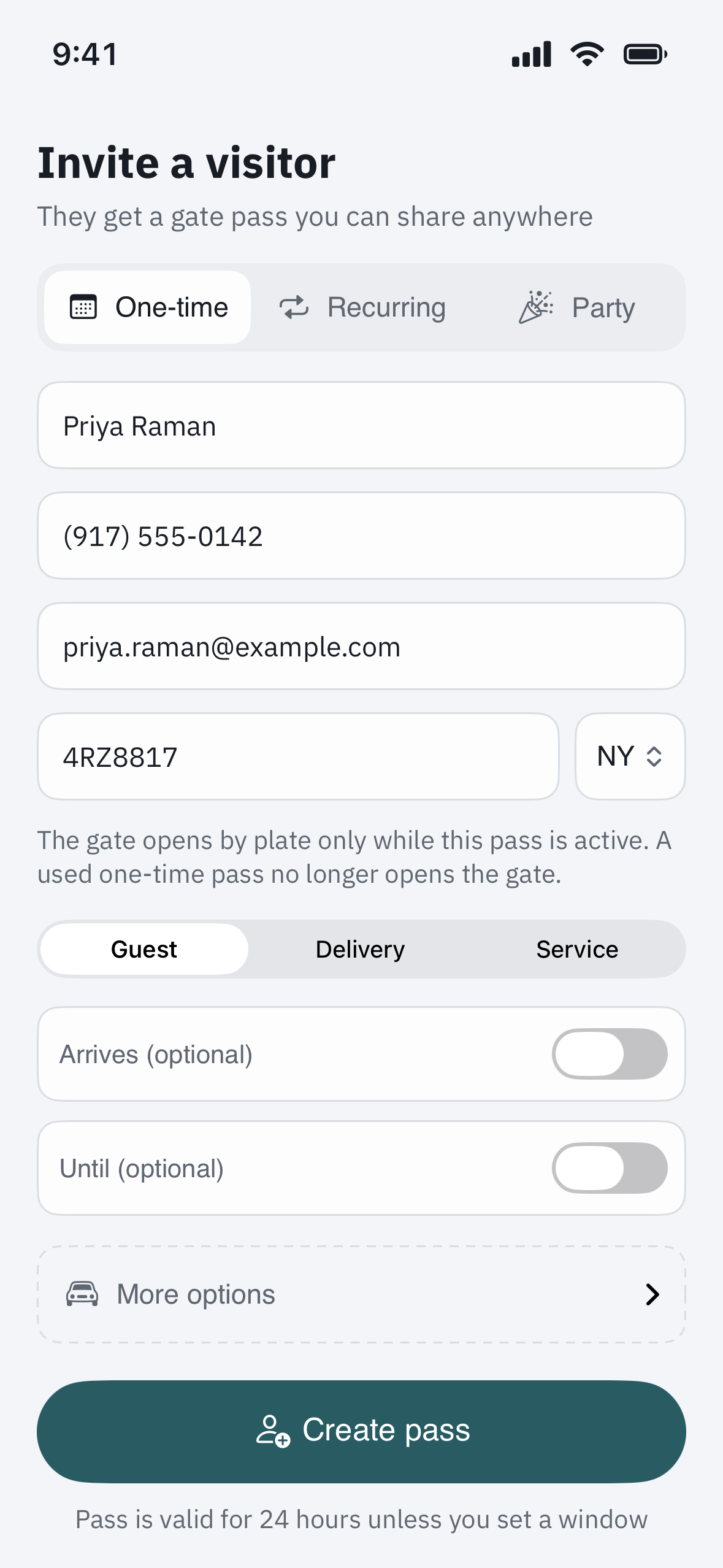
2. Choose PIN as the pass type
Select PIN, then decide two things:
- When it's valid — a single visit today, or a date range.
- One-time or reusable — turn on one-time so the code stops working after the first successful entry. Leave it off if your guest will come and go and you want the same code to keep working within the dates you set.
3. Share the code
Tap Send to text the PIN to your guest, or simply read the number to them over the phone. The code also stays visible on the pass in your app, so you can look it up again whenever you need it.
4. Using the PIN at the gate
Your guest walks up to the keypad, types the PIN, and presses the confirm key (often # or a checkmark). The gate opens and the visit is recorded to your unit. If they mistype, they can simply start over and enter it again.
5. What happens after it's used
A one-time PIN expires the instant it's used successfully, so it can't be passed around or reused later. If your guest needs to leave and come back, generate a fresh PIN for the return trip, or use a reusable PIN or a date-range QR pass instead.
Troubleshooting
The keypad rejects the PIN. Have your guest re-enter it slowly and finish with the confirm key. Double-check you read them the current code — if you generated more than one, only the latest is active. If it still fails, the code may already have been used (one-time PINs work exactly once).
Your guest needs to come and go all day. A one-time PIN isn't the right tool — it dies after the first entry. Turn off the one-time toggle for a reusable PIN, or send a date-range QR pass so they can re-enter freely.
You'd rather your guest didn't have a lasting code. One-time is exactly for this. It's the most disposable pass you can send — used once, gone.
The text with the PIN didn't arrive. No problem — open the pass in your app and read the number to your guest directly. The PIN on your screen and the one in the text are the same.