In a life-threatening emergency, call your local emergency number (911) first. Maximum.Community is not a way to summon police, fire, or paramedics — it cannot dispatch responders, and no one is watching the app for a call for help. This page explains what the app can and cannot do in an emergency, so you know where to turn.
First, for any real emergency: call 911
Fire, a medical emergency, a crime in progress, someone in danger — dial your local emergency number. That is the only thing that brings responders. The app has no button that calls 911 for you and no silent alarm that alerts the police, so never wait on the app when seconds matter.
What the app's emergency alert actually is
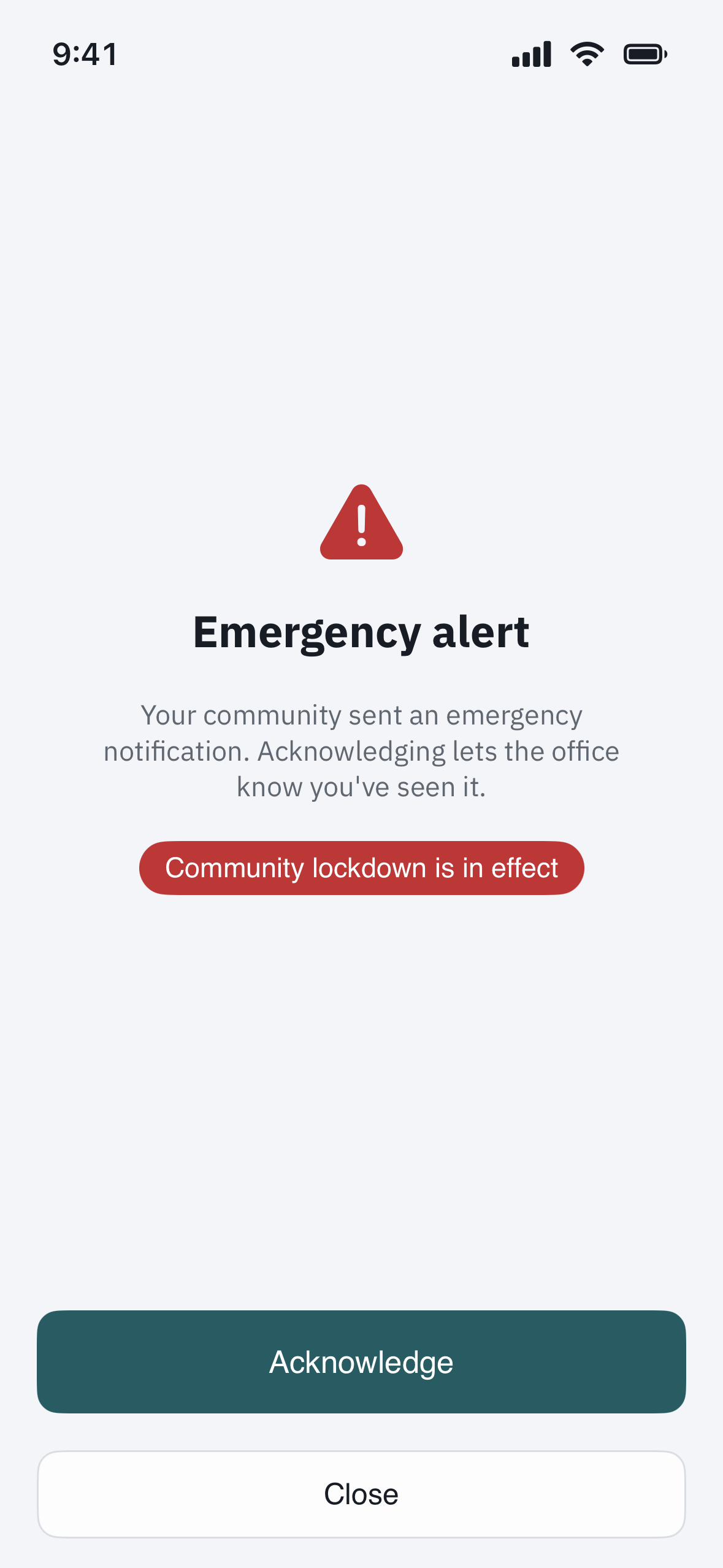
Your community's managers can send an emergency broadcast — and, when needed, declare a lockdown that asks everyone to remain in place. It reaches residents, guards, and staff by in-app alert, and (where set up) by email, text, and push. It is a communication tool: a fast way for your community to tell everyone something at once and to see who has acknowledged it.
What it is not
- It does not call emergency services. Sending or receiving an alert does not notify police, fire, or medical responders. Call 911 yourself.
- It does not control the gates or any door hardware. A lockdown is an instruction to people to shelter in place — it does not lock, close, or open any gate. Gates keep working exactly as before. If a gate needs to be physically held, that is done on-site by a guard, not by the app.
- There is no panic or duress button. The app has no silent alarm and no hidden distress signal. If you are in danger, call 911.
If you are a resident
- For any real emergency, call 911.
- For a community matter that is not an emergency — a suspicious vehicle, a propped gate, someone who needs to be let in — use the gate intercom or the Call security option at the kiosk to reach your on-site guard.
- If your community sends an emergency alert or activates a lockdown, read it, tap to acknowledge so staff know you saw it, and follow the instructions in the message.
If you are a property manager or admin
The tool to reach everyone at once is on the Emergency page in the web admin — see "Emergency mode: send an emergency alert to the whole community." Remember it is comms-only: it notifies people and tracks acknowledgements, but it never touches gate or door hardware, and it does not contact emergency services on anyone's behalf. In a genuine safety event, call 911 first, then use the broadcast to inform residents and staff.
The bottom line
Use 911 for emergencies. Use the gate intercom or Call security for on-site help. Treat the app's emergency alert as your community keeping you informed — not as a replacement for emergency services.