If your app, your key, or your passes stopped working all at once, it is usually one of a few things — and most are fixed by your community office rather than in the app. Here they are, most likely first.
1. Your community's service is paused
If your community is suspended, everything stops for everyone at once — signing in, the app, passes, notifications, and the gate — and you will see a message asking you to contact your community office or management company. This is not something to fix on your phone; contact the office to find out why and when it will be back.
2. Your account was closed or moved out
If the office recorded a move-out or removed your home, your account is deactivated: signing in tells you the account is no longer active, and your keys and passes stop with it. If you moved within the community or this was a mistake, the office can reactivate you.
3. Your mobile key was reissued or switched off
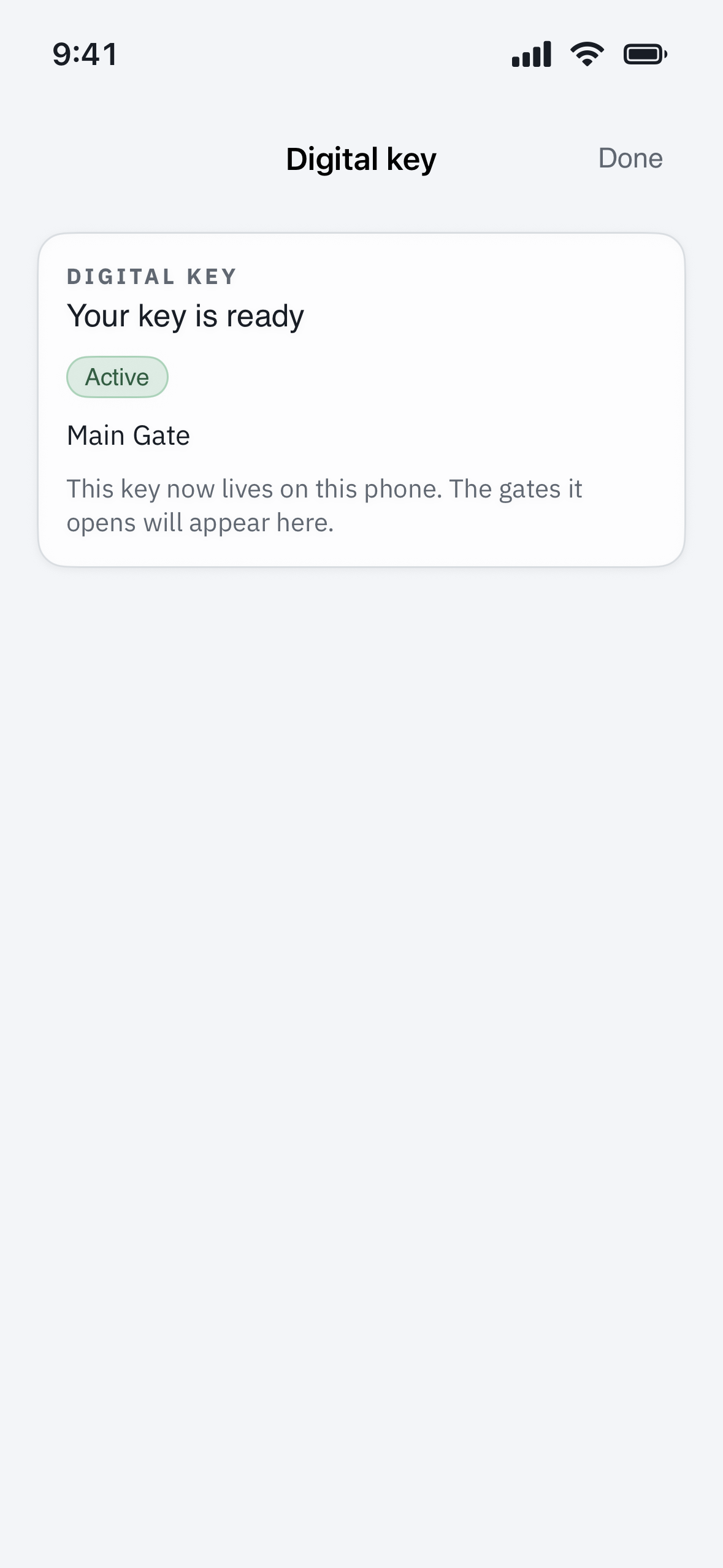
A mobile key lives on one phone. If it was reissued to a new phone, reported lost, or ended when you moved, the old key stops working. Ask the office to reissue it, then set it up again. For a key that is present but not opening, see “My Bluetooth key won’t open the gate”.
4. A pass or temporary access ended
Passes and time-limited access only work within their dates and times, and some are good for a set number of entries. Once the window passes or the entries are used up, they stop — create or request a fresh one.
If it's only signing in that fails
If the app itself will not let you in, it may be a password problem rather than lost access — see “How do I change or reset my password?” If you tried the wrong password several times and are now blocked, see “I’m locked out after too many login attempts.”
Who can restore it
Your property manager can see your account status, your key, and whether the community’s service is paused, and can put any of them right. Tell them what stopped, when, and the exact message you see.