Your guest has the pass but it would not let them in at the gate. Here are the usual reasons, most common first. If the pass text never arrived in the first place, see “Why didn’t my guest get the text?” instead.
1. The visit date or time has not started, or has passed
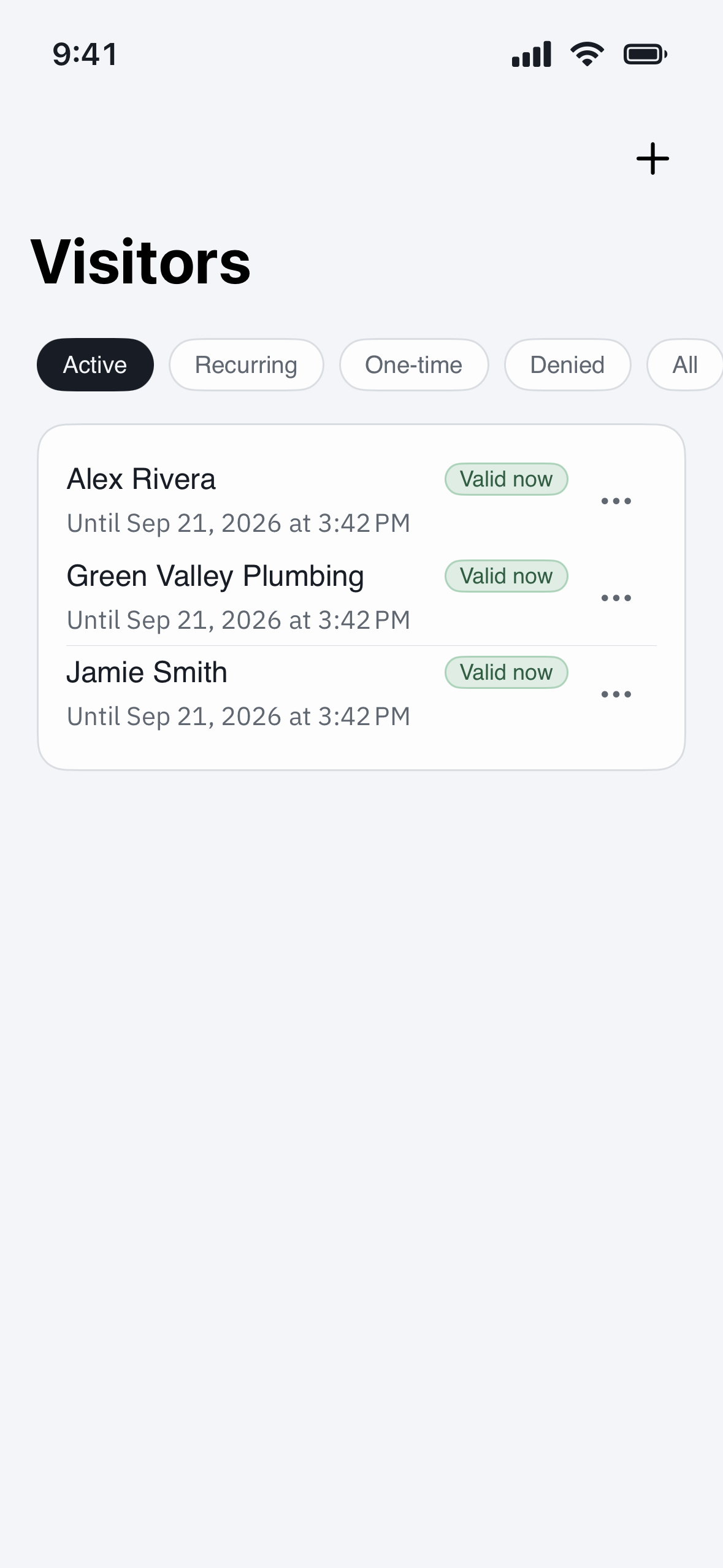
Passes only work during the dates and times you set. If your guest is early, late, or arriving on a different day, open the visit under Visitors and check the window — then edit the dates or send a new pass.
2. A one-time pass was already used
A one-time PIN or pass stops working after the first successful entry. If your guest needs to come and go, send a pass with a date range instead of a single-use one.
3. The pass was cancelled or replaced
If you cancelled the visit, or sent a newer pass, the older code no longer works. Confirm your guest is using the most recent pass and that it still shows as active in your app.
4. The QR code will not scan
- Turn the phone’s screen brightness all the way up.
- Hold the full code steady, a few inches from the reader, without glare.
- If the code is a saved screenshot that got cropped, resend the pass so your guest has the complete image.
5. The PIN is being entered wrong
Have your guest re-enter the PIN carefully and press the confirm key. Read the number back to them from the pass in your app to be sure it matches.
Still not working?
Ask your guest to use the gate intercom to call your unit so you can let them in, then contact your property manager. Note the gate, the pass type (QR or PIN), and the time it was tried so the team can check the reader and the pass.