You're at the gate, you tried your code, and it didn't let you in. This happens, and it's usually easy to fix. You're not in trouble — passes are made to expire and often work only once, so a "no" at the keypad is normal. Work through these in order.
1. Reopen the link from your text
The most common fix. Your pass has a QR code that refreshes itself to stay valid, so an old screenshot or a page that's been sitting open too long can go stale. Go back to the text message, tap the link again to load a fresh pass, and try once more. Use the live page, not a saved picture.
2. Check the small stuff
- Using the camera? Turn your screen brightness all the way up and hold the phone steady, a few inches from the reader.
- Using the keypad? Your code is 6 digits. Type them with no spaces, and double-check you didn't miss or repeat one.
- Make sure you're entering the guest entry code from your pass page — not a phone number or anything else from the text.
3. It might not be your time yet — or the pass may be used up
The person who invited you can set when a pass works and how many times. If the gate says something like "not valid at this time," a few things could be going on:
- The pass has expired — many passes last about a day.
- It was a one-time pass and has already been used.
- You're a little early or late for the day or hours your host chose.
- You're at a different gate than the one you were meant to use.
In any of these cases, the quickest fix is to ask the person who invited you to send a fresh pass, or to let you in directly (next step).
4. Call the person who invited you
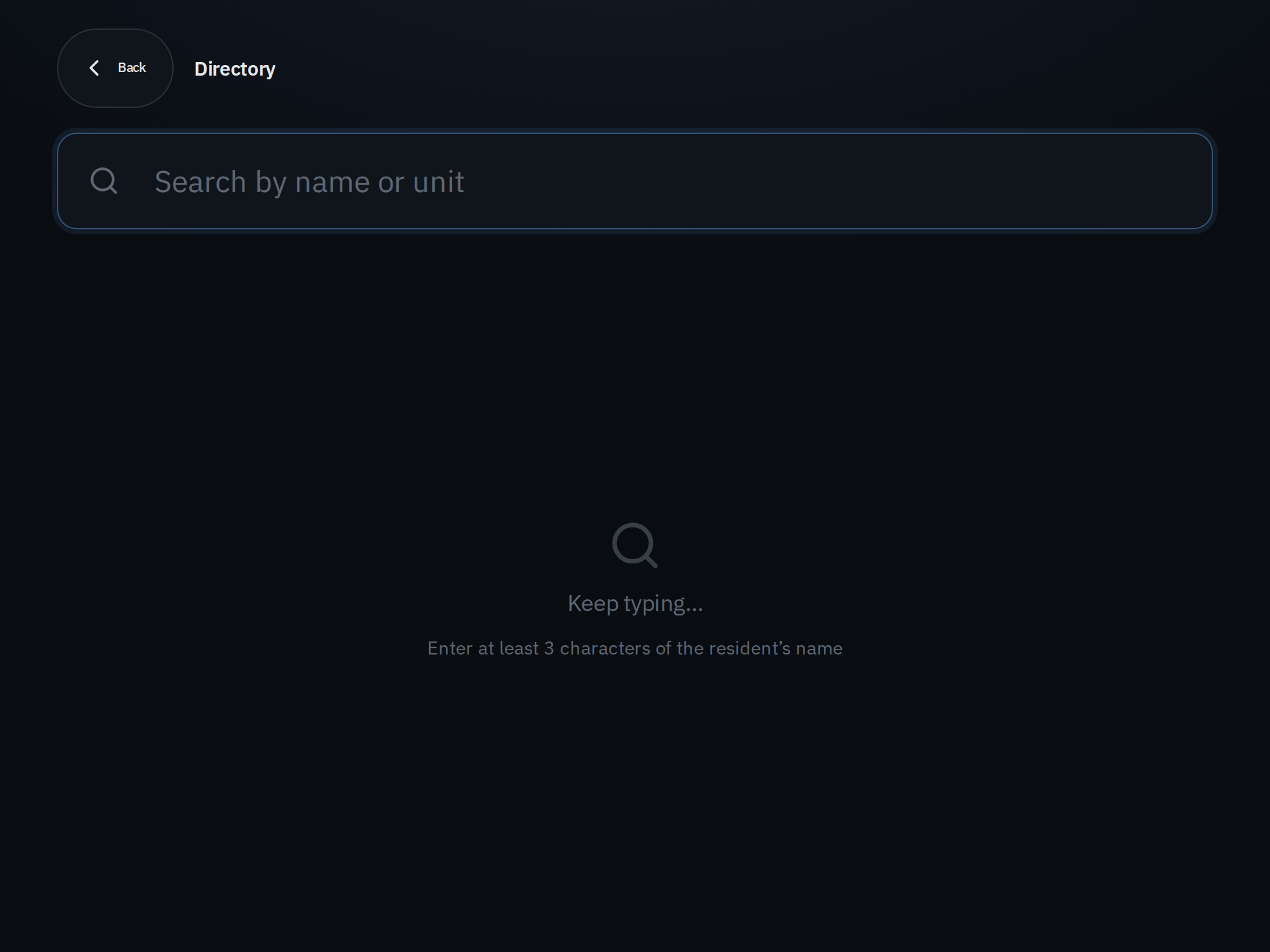
Many gates have a directory on the panel or tablet. Search the resident's name or their unit number, tap to call, and they can answer on their phone and open the gate for you. This is the surest way in when a code won't cooperate. If you don't see a directory, call or text the person directly and ask them to let you in.
5. Use the Call Security or Office button
If your host isn't answering, some gates have a Call Security or Call Office button on the panel. Use it and explain who you're visiting — they can help you in.
If the keypad locked you out
After several wrong tries, a keypad pauses for a few minutes to prevent guessing. Don't keep tapping — wait a moment, then use the directory to call the resident, or the Call Security button, instead of the code.
A couple of things to know
- Not every gate has a camera, a keypad, a directory, and a security button — communities set these up differently. Use whatever is on the panel in front of you, and if there's a guard, just ask them.
- You show your pass; the gate's camera reads it. Scanning your own QR code with your own phone won't open anything.
Still stuck? The person who invited you can always send a new pass or come let you in. When in doubt, call them from the gate directory.